 ProMapRanker
Best Authenticator Apps in 2026: 8 Apps Compared


Simple setup and easy sync with a Google Account · Pricing starts at: Free
Key takeaways
- Every app on this list is free to use, so the real differences are backup, sync, platforms and privacy, not price.
- Google Authenticator can sync codes through your Google Account, and Google's help page says codes are encrypted in transit and at rest. You can also use it without an account.
- Proton Authenticator and 2FAS work without signing up, and Proton Authenticator and Ente Auth both offer end-to-end encrypted backups.
- Aegis is Android only, but it is open source and offers encrypted vaults and automatic backups.
- Authy's desktop apps were shut down on March 19, 2024, and Microsoft Authenticator stopped autofill and password features in 2025, so check what each app still does before moving your codes.
Quick comparison
| Pick | Great for | Pricing starts at | Free tier | |
|---|---|---|---|---|
| Google Authenticator | Simple setup and easy sync with a Google Account | Free | Yes | Visit |
 Microsoft Authenticator Microsoft Authenticator | Microsoft accounts and passwordless sign-in | Free | Yes | Visit |
 Authy Authy | Cloud backup and multiple phones | Free | Yes | Visit |
 2FAS 2FAS | Privacy-focused iPhone and Android users | Free | Yes | Visit |
 Aegis Authenticator Aegis Authenticator | Android users who want control and open source | Free | Yes | Visit |
 Ente Auth Ente Auth | Encrypted sync across phone, desktop and web | Free | Yes | Visit |
 Proton Authenticator Proton Authenticator | Cross-platform use with optional encrypted sync | Free | Yes | Visit |
 Bitwarden Authenticator Bitwarden Authenticator | People who already use Bitwarden | Free | Yes | Visit |
The best authenticator apps
An authenticator app generates a short code that changes every few seconds, which you type in after your password. It is a stronger second step than text-message codes, though it will not stop you typing a code into a fake login page. This article is general information, not personal security advice, and you should always save your accounts' backup codes somewhere safe. We compared these eight using each developer's own pages, help articles and the US App Store listings in October 2026.
Google Authenticator
Great for: Simple setup and easy sync with a Google Account
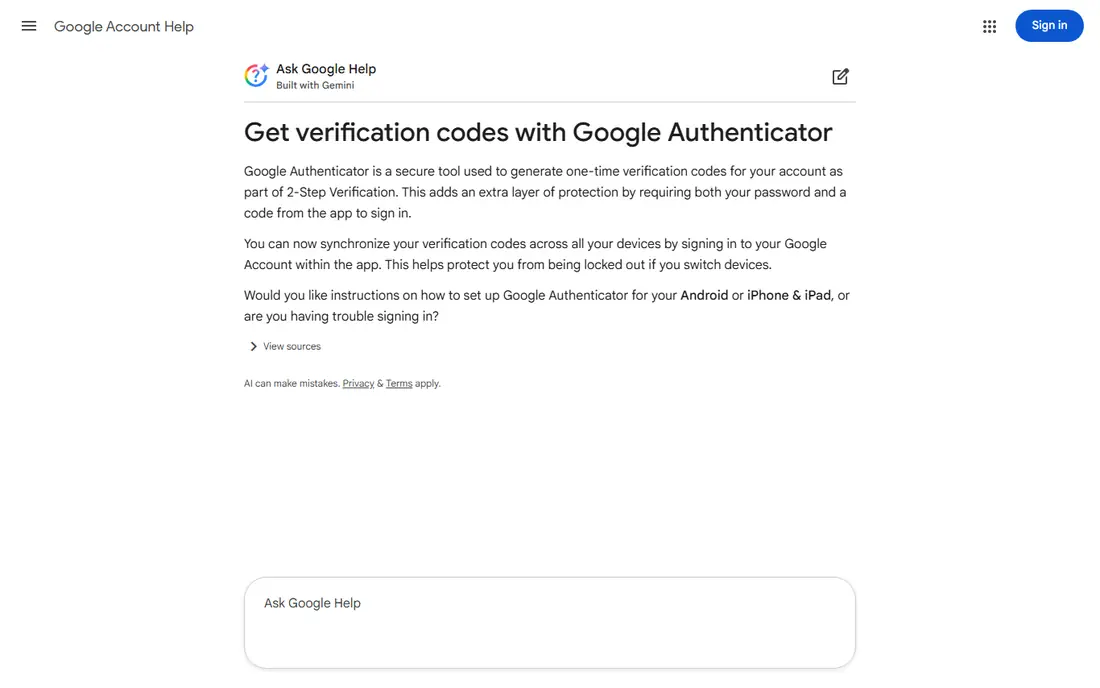
Google Authenticator is the app most people have heard of, and it is simple. Google's help page says it can generate codes without an internet connection or mobile service, and that you can sync your codes across devices by signing in to your Google Account (version 6.0 or above on Android, 4.0 or above on iOS).
Google says it encrypts Authenticator codes in transit and at rest. If you would rather not use a Google Account, you can choose Use without an account when you first open the app and then move your codes by hand to a new device. On the US App Store the iPhone app shows about 4.85 stars from more than 1.2 million ratings.
The trade-off is that sync links your second factor to your Google Account. If you lose access to that account, you could lose your codes too. It is a good default for casual users, but not for people who want end-to-end encryption or detailed organization.
- Syncs codes across devices by signing in to a Google Account
- Works without an internet connection
- Very high App Store rating
- Syncing ties your codes to your Google Account
- Fewer extras than newer apps
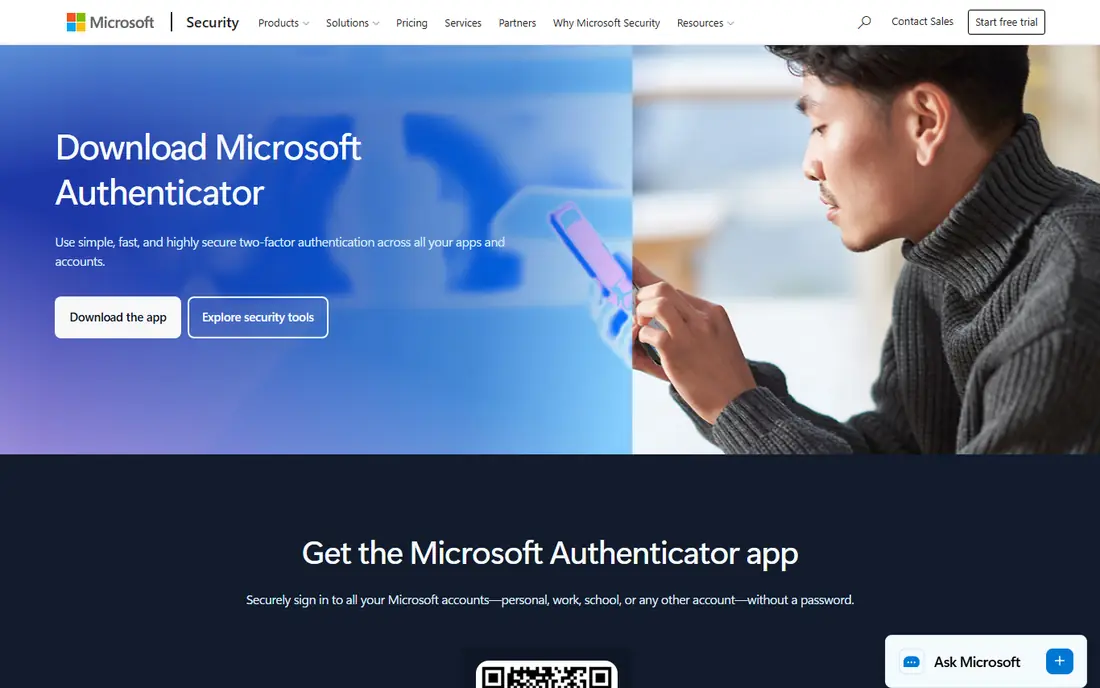
Microsoft's support page describes Authenticator as a free app that helps you sign in without a password, using a fingerprint, face recognition or a PIN. It supports Microsoft personal, work and school accounts, and it can also generate one-time codes for other sites. The iPhone app shows about 4.71 stars from more than 715,000 ratings.
The thing to know is that Microsoft changed the app in 2025. Its support notice says the autofill feature was discontinued in mid-August 2025, with saved passwords moving to a Microsoft account and Edge. Authenticator still handles multi-factor codes and passkeys. Some users have reported on Microsoft's Q&A forum that passwords were missing after the change, so export or check anything you stored there.
If you sign in to Outlook, Microsoft 365 or work accounts every day, this is a natural choice. For people with no Microsoft accounts, a simpler app on this list makes more sense.
- Free
- Lets you approve Microsoft sign-ins with a tap or biometrics
- Also supports passkeys
- Autofill and password features were discontinued in 2025
- Best value is inside the Microsoft ecosystem
Authy, owned by Twilio, is known for cloud backup. Its homepage calls it a free app with simple setup, secure cloud backup and multi-device support, and Twilio's help center explains that you protect the backup with a password. The iPhone app shows about 4.67 stars from more than 53,000 ratings.
There are two warnings. First, Twilio confirms the Authy Desktop apps for Windows, macOS and Linux reached end of life on March 19, 2024, and the Chrome app and extension were retired as well, so Authy is now a phone-first tool. Second, Twilio's help page says the backup password cannot be reset or bypassed, so if you forget it and have no working device, your tokens are lost for good.
Authy is still a reasonable pick if you want multi-device sync and already use it. We would be cautious about starting fresh with it, given that Twilio has already retired its desktop versions.
- Encrypted cloud backup with a backup password
- Multi-device support
- Free app
- Desktop apps reached end of life in March 2024
- Backup password cannot be reset
2FAS describes itself as a local-first authenticator. Its site says no account is needed, data stays on your device unless you decide otherwise, and you control the groups, badges, icons and labels on your tokens. It offers cloud and manual backup, a browser extension and Apple Watch support, and the code is public.
The site cites an average rating of 4.7 and 6+ million downloads, which are the company's own figures. On the US App Store, the iPhone app shows about 4.72 stars from more than 35,000 ratings.
It is a good fit for people who want something private and polished without paying or signing up. Because it is built around local storage, you should check that your backups are working before you move all your accounts over.
- No account required
- Local-first storage with cloud or manual backup
- Browser extension and Apple Watch support
- Mobile first, so there is no full desktop app
- The company is smaller than Google or Microsoft
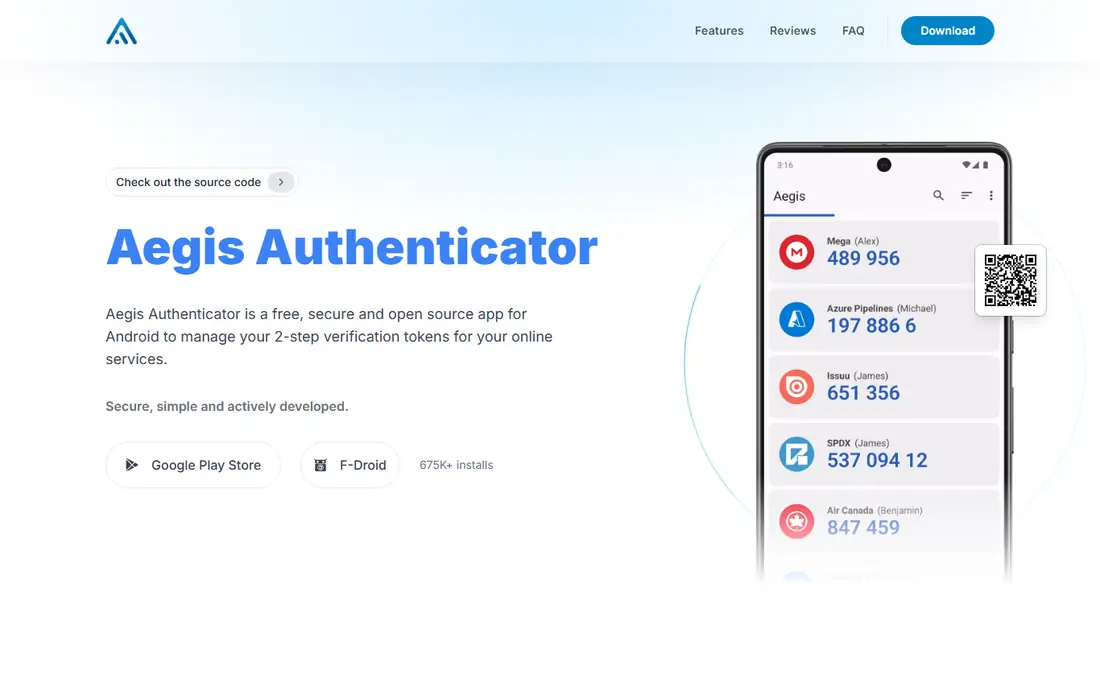
Aegis is an app for Android only, and its homepage says it is free, secure and open source. Tokens sit in an encrypted vault with optional fingerprint or face login, and you can export or import tokens from a wide range of other 2FA apps, with support for automatic backups. It is available from Google Play and F-Droid, and the site cites 675K+ installs.
Customization is a strength. There are themes, a true dark mode, a tiles view and icon packs, which help when you have dozens of accounts. Aegis presents itself as an alternative to Google Authenticator and Authy.
The catch is simple. There is no iPhone version, and there is no company-run cloud sync, so you decide where backups go. That suits people who like control, and it is a poor match for anyone who wants it all handled automatically.
- Free and open source
- Encrypted vault with optional fingerprint or face login
- Imports from many 2FA apps and supports automatic backups
- Android only
- You manage your own backups
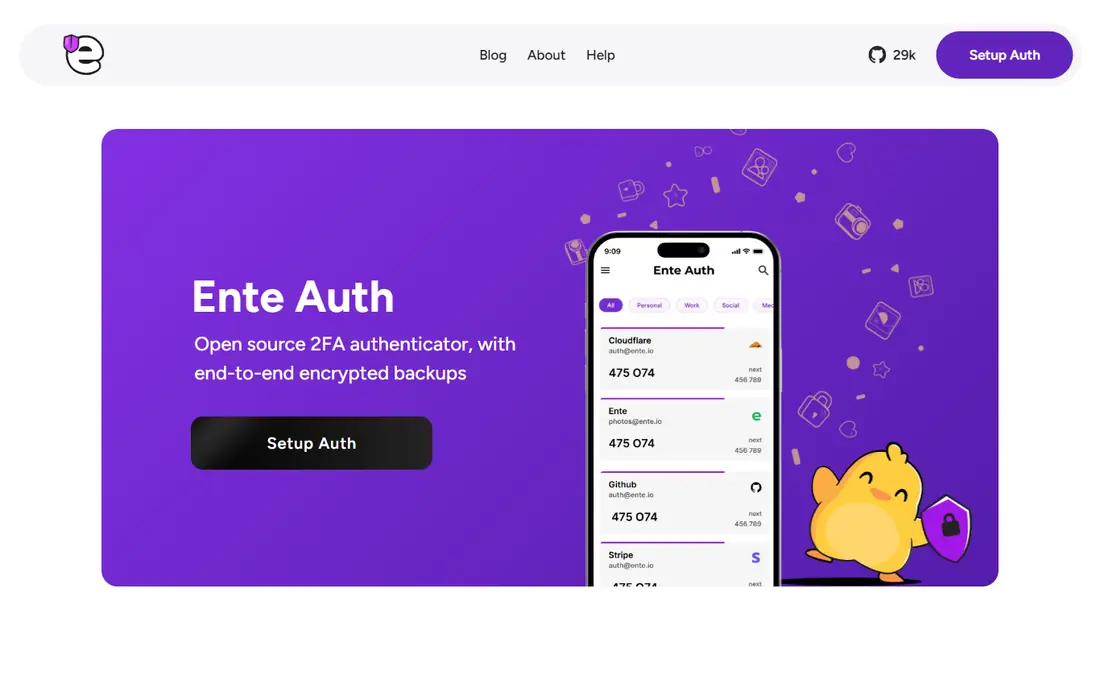
Ente Auth is an open source authenticator with end-to-end encrypted backups. Its site says there is an app for every platform (mobile, desktop and web) and that your codes sync across devices with end-to-end encryption. Ente also says its cryptography has been externally audited.
Features include icons, tags, pinning, search, notes and a next-code preview, plus options to import tokens in bulk from other apps, and secure code sharing for teams. The site says the project is free and open source, with no lock-in because you can export your data.
The iPhone app shows about 4.66 stars from roughly 290 ratings, which is a small sample. If you want codes on your phone and desktop with end-to-end encryption, it is one of the stronger options here. If you want a very large user base, choose a bigger name.
- End-to-end encrypted cloud backups
- Apps for mobile, desktop and web
- Open source with externally audited cryptography
- Fewer ratings than the big names
- Requires an Ente account to sync
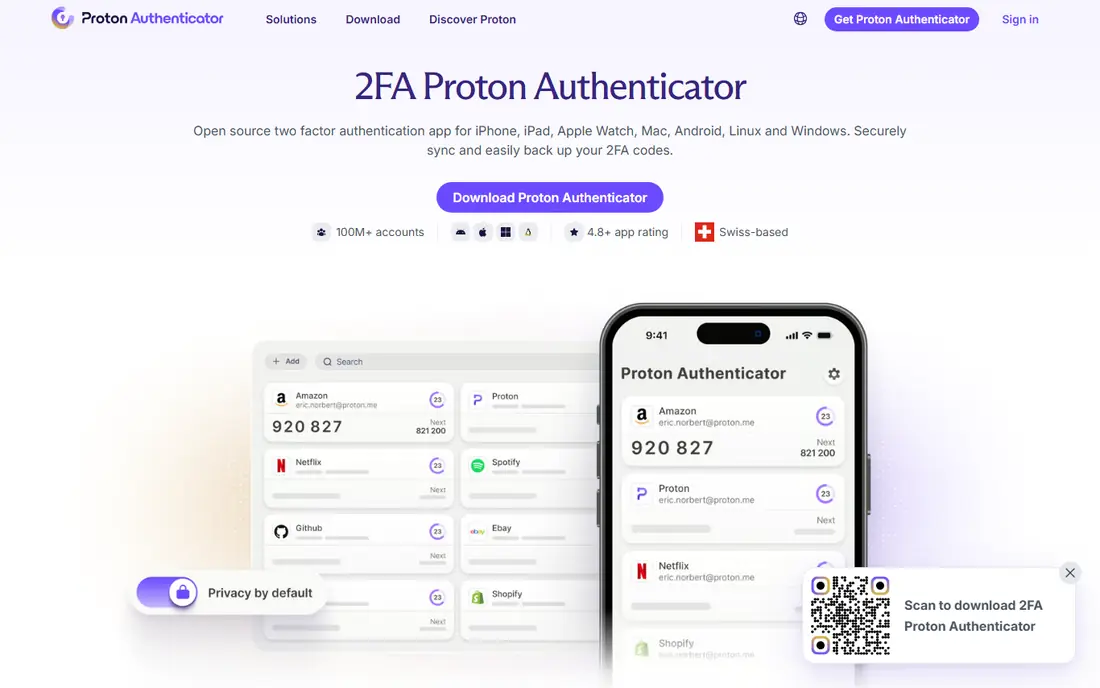
Proton Authenticator comes from the company behind Proton Mail. Its page describes it as an open source, free-to-use authenticator that runs on iPhone, iPad, Apple Watch, Mac, Android, Linux and Windows, and says you do not need an account, phone number or email address to start.
Signing in to a Proton Account is optional and lets you sync your codes across devices with end-to-end encrypted backups. Codes still work offline, and fingerprint or face login is supported. You can import tokens from another authenticator.
On the US App Store, the iPhone app shows about 4.49 stars from roughly 410 ratings, lower than some rivals, so it is worth reading recent reviews. It is a strong choice for people who use Windows, Linux and Mac together, and who already trust Proton.
- Free and open source
- Works on iPhone, iPad, Apple Watch, Mac, Android, Linux and Windows
- No account needed to start
- Newer app with a lower App Store rating
- Sync needs a Proton account
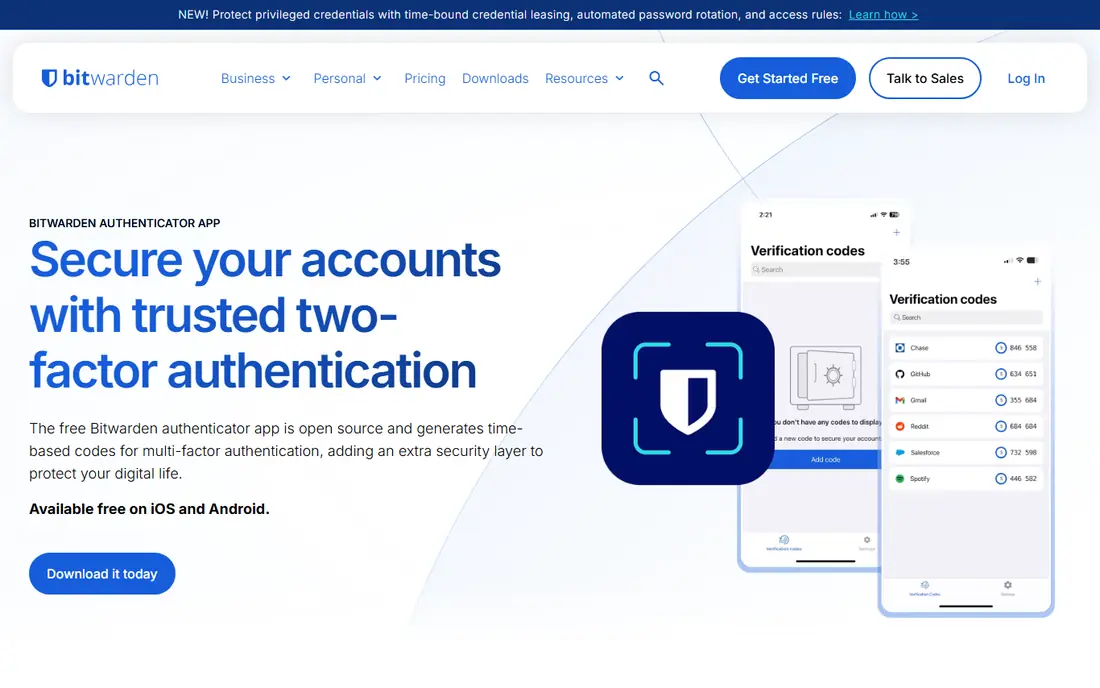
Bitwarden Authenticator is a separate, standalone app from the Bitwarden password manager. Bitwarden's page lists it as Free 2FA, no account needed, and its pricing page says the Premium plan ($1.65 per month, billed annually at $19.80) includes an integrated authenticator inside the password manager.
If you already use Bitwarden, the Premium route keeps passwords and codes together, which is convenient. The downside is the old security concern about storing both factors in one place, so some people prefer to keep their codes in a separate app.
The standalone app is newer and has a thin record in the store. The iPhone listing shows 3.47 stars from only about 95 ratings, so we would treat it as one to watch rather than a first choice.
- Free 2FA with no account needed
- From a well-known open source password manager
- Bitwarden Premium adds integrated authenticator at $19.80 per year
- Only about 95 ratings on the iPhone listing, at 3.47 stars
- Less feature-rich than some rivals
How we picked these
We looked for authenticator apps that exist today, are free or clearly priced, and publish enough detail to compare. For each one we read the developer's own site, help center or support pages and the US App Store listing for ratings and platforms. We then compared backup and sync options, platforms, open source status and any recent changes, such as Authy's desktop shutdown and Microsoft's autofill removal.
We did not run security tests of our own, so we say nothing about how strong each app's encryption is beyond what the developer states. Ratings change daily and come from the US App Store only. ProMapRanker is not in the list, and no placement here is paid.
How to choose an authenticator app
The best app is the one you will actually keep backed up. Think about what happens if you drop your phone in a lake.
Decide how you want to back up
Cloud sync is convenient and protects against a lost phone. Google, Authy, Ente Auth and Proton offer it. If you prefer local control, 2FAS and Aegis let you manage backups yourself. Whichever you choose, test a restore on a spare device before you move over every account.
Check your platforms
Aegis is Android only. 2FAS covers iPhone and Android, with a browser extension. Ente Auth and Proton Authenticator add desktop apps, and Proton also lists Linux. If you want codes on a laptop, choose one of those.
Think about privacy and openness
Aegis, 2FAS, Ente Auth and Proton Authenticator are open source, and Bitwarden lists open source in the Security & Trust section of its site. If you would rather trust a large company, Google and Microsoft are both free, but sync ties your codes to their accounts.
Keep your backup codes
Almost every service gives you backup codes when you enable two-factor authentication. Print them or store them offline. They are the way back in if you lose your phone and have no synced copy.
Frequently asked questions
What is the best authenticator app?
For most people, Google Authenticator is the simplest, and it syncs through a Google Account. If you care more about privacy and encrypted backups, look at Ente Auth, Proton Authenticator or 2FAS. Android users who want full control often choose Aegis.
Is Google Authenticator or Microsoft Authenticator better?
Google Authenticator is simpler and works with any site that supports authenticator codes. Microsoft Authenticator adds passwordless sign-in for Microsoft accounts, which matters if you use Outlook or Microsoft 365. Both are free.
Which authenticator app has cloud backup?
Google Authenticator syncs through your Google Account, Authy uses a backup password, and Ente Auth and Proton Authenticator offer end-to-end encrypted backups. 2FAS lists cloud and manual backup. Aegis supports automatic backups to files you control.
Can I use an authenticator app without an account?
Yes. Google Authenticator has a Use without an account option, and 2FAS, Proton Authenticator and Bitwarden Authenticator say no account is needed. Without an account you must move or back up your codes manually.
Are authenticator apps safer than text message codes?
Authenticator apps generate codes on your device, so they avoid problems such as SIM swapping that affect text messages. They are not phishing proof, because a fake site can still ask you for a code. Passkeys and security keys offer stronger protection where a site supports them.
Sources
- https://support.google.com/accounts/answer/1066447
- https://apps.apple.com/us/app/google-authenticator/id388497605
- https://support.microsoft.com/en-us/account-billing/about-microsoft-authenticator-9783c865-0308-42fb-a519-8cf666fe0acc
- https://support.microsoft.com/en-gb/account-billing/changes-to-microsoft-authenticator-autofill-09fd75df-dc04-4477-9619-811510805ab6
- https://apps.apple.com/us/app/microsoft-authenticator/id983156458
- https://authy.com/
- https://www.twilio.com/en-us/changelog/end-of-life--eol--of-twilio-authy-desktop-apps
- https://support.authy.com/hc/en-us/articles/360036077534-Authy-Backups-Password-Recovery
- https://apps.apple.com/us/app/twilio-authy/id494168017
- https://2fas.com/
- https://apps.apple.com/us/app/2fa-authenticator-2fas/id1217793794
- https://getaegis.app/
- https://ente.io/auth/
- https://apps.apple.com/us/app/ente-auth-2fa-authenticator/id6444121398
- https://proton.me/authenticator
- https://apps.apple.com/us/app/proton-authenticator-2fa/id6741758667
- https://bitwarden.com/products/authenticator/
- https://bitwarden.com/pricing/
- https://apps.apple.com/us/app/bitwarden-authenticator/id6497335175
See where you really rank - block by block
ProMapRanker scans Google Maps across a grid of your service area. Simple monthly plans from $19, white-label on every plan.
Start freeKeep reading
 canva alternatives
Best Canva Alternatives in 2026: 8 Design Tools Compared
Looking for Canva alternatives? We compared 8 design tools on current 2026 pricing, free plans and limits, from Adobe Express to VistaCreate and Visme.
Read → best workout tracker app
Best Workout Tracker Apps in 2026: 7 Apps Compared
Looking for the best workout tracker app in 2026? We compared 7 workout log apps on price, free features and ease of use, from Hevy and Strong to Fitbod.
Read → best streaming service for sports
Best Streaming Services for Sports in 2026: 8 Options Compared
Which is the best streaming service for sports? We compared 8 options on October 2026 prices, free trials, local channels and leagues, from ESPN to YouTube TV.
Read →