 ProMapRanker
Best Arduino Alternatives in 2026: 7 Boards Compared


Cheap, general-purpose projects · Pricing starts at: From $5
Key takeaways
- The Raspberry Pi Pico 2 is the easiest swap for most people: Raspberry Pi lists it from $5, and it runs on a dual-core 150 MHz chip with 520 KB of SRAM.
- ESP32 boards are the go-to when you need Wi-Fi and Bluetooth. Espressif shows sample prices from $8 for its ESP32-C3 and ESP32-C6 kits.
- The Teensy 4.1 is the fastest board here, with a 600 MHz Cortex-M7 chip, but SparkFun lists it at $31.50 and it ships without header pins.
- A classic Arduino Uno Rev3 uses a 16 MHz ATmega328P with 2 KB of SRAM and is listed at EUR 29.30 on Arduino's store, so most alternatives give you far more power for less money.
- Most of these boards can still be programmed in the Arduino IDE or with Arduino-style code, so your old sketches and habits are not wasted.
Quick comparison
| Pick | Great for | Pricing starts at | Free tier | |
|---|---|---|---|---|
| Raspberry Pi Pico 2 | Cheap, general-purpose projects | From $5 | No | Visit |
 ESP32 (Espressif) ESP32 (Espressif) | Wi-Fi and Bluetooth projects | $8 (sample price, ESP32-C3 kit) | No | Visit |
 Teensy 4.1 Teensy 4.1 | Audio, motion control and heavy math | $31.50 | No | Visit |
 Adafruit Feather RP2040 Adafruit Feather RP2040 | Small builds with plug-in sensors | $11.95 | No | Visit |
 Seeed Studio XIAO ESP32C3 Seeed Studio XIAO ESP32C3 | Tiny wireless projects | $4.90 | No | Visit |
 BBC micro:bit BBC micro:bit | Classrooms and first-time coders | See website | No | Visit |
 STM32 Nucleo STM32 Nucleo | Learning professional-grade tools | See website | No | Visit |
The best Arduino alternatives
Arduino made microcontrollers friendly, but the classic Uno is now a slow, small-memory board by modern standards. The seven boards below cover the main reasons people look elsewhere: lower price, more speed, built-in wireless, or a smaller size. Prices are the ones shown on each maker's or seller's own page in October 2026, and they change often.
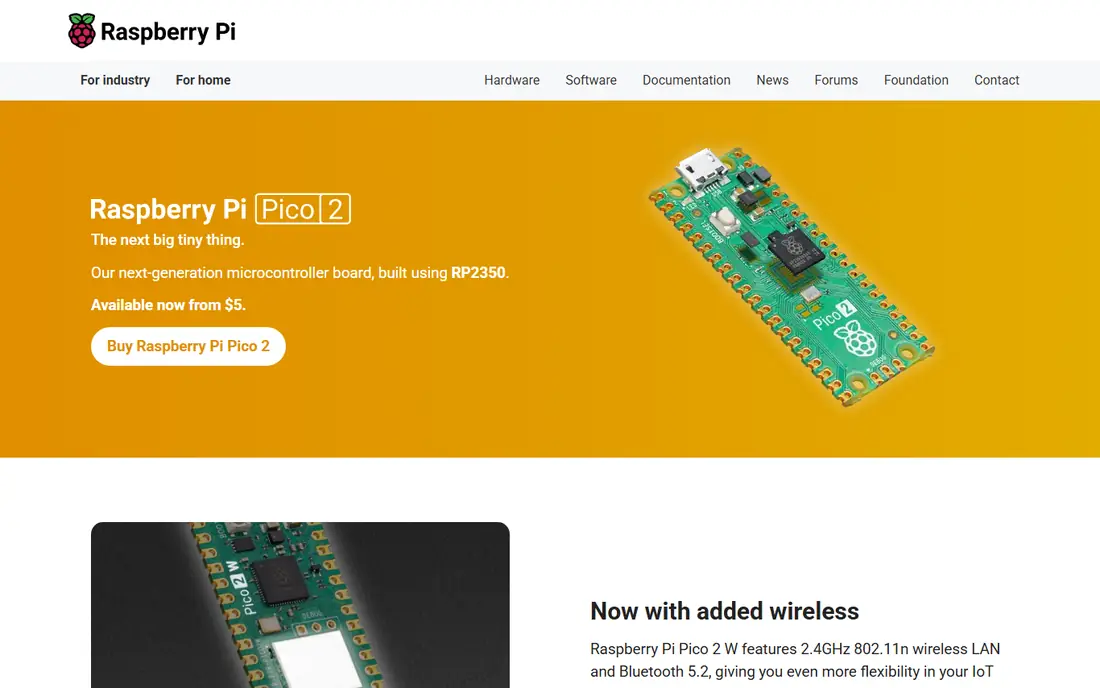
If you only try one board from this list, we would start here. Raspberry Pi's launch post lists the Pico 2 at $5 and describes the RP2350 chip as two Arm Cortex-M33 cores running at 150 MHz, with 520 KB of on-chip SRAM and 4 MB of flash on the board. The same chip can boot into RISC-V cores instead if you want to experiment.
The older Pico is still on sale as well. Raspberry Pi's Pico page lists it from $4 and the wireless Pico W at $6, both based on the RP2040 chip. Raspberry Pi's pages say the boards are programmed in C/C++ and MicroPython, and you can copy a file onto the board over USB like a flash drive. Adafruit's RP2040 listing notes that Arduino support exists through the Earle Philhower core, so you can keep using the Arduino IDE if you prefer.
The catch is the missing radio on the basic Pico 2. Raspberry Pi's page lists Wi-Fi and Bluetooth only on the Pico 2 W, and we could not confirm a price for that model on the pages we checked. If you need wireless on day one, look at the ESP32 below.
- Very low price
- Dual-core 150 MHz chip with 520 KB of SRAM
- Drag-and-drop programming over USB
- No wireless on the base Pico 2
- Arduino support comes from a community-maintained core rather than Raspberry Pi itself
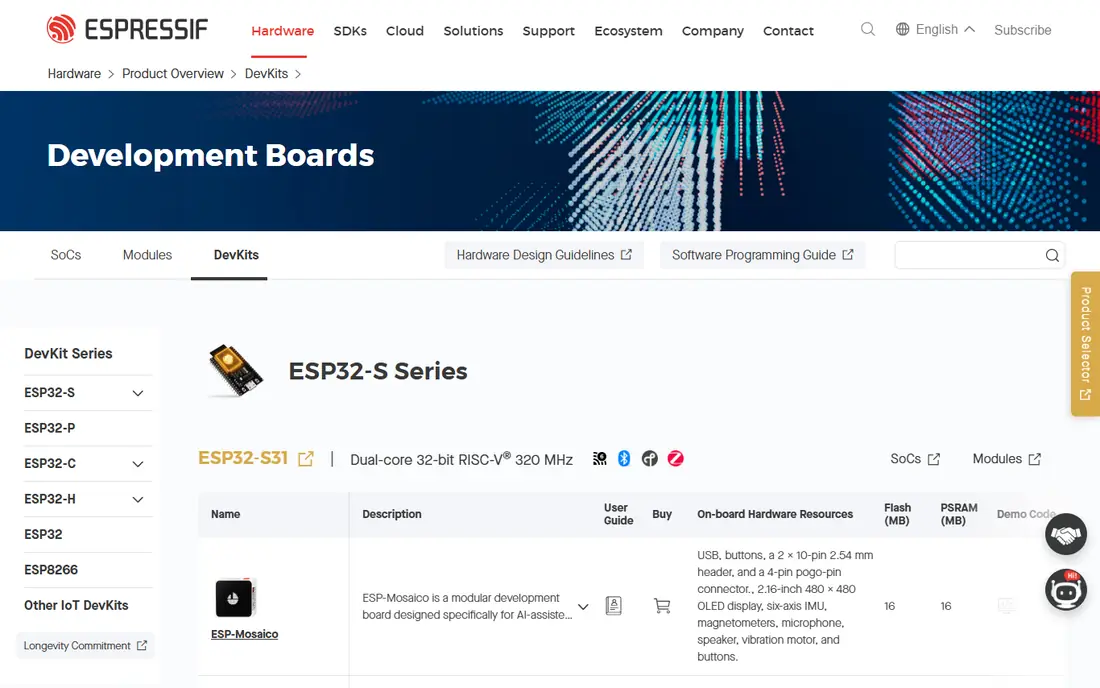
ESP32 is not one board but a family of chips from Espressif, and dozens of makers build boards around them. That is both its strength and its headache. On its dev kit page Espressif shows sample prices of $8 for the ESP32-C3-DevKitM-1, $9 for the ESP32-C6-DevKitC-1 and $15 for the ESP32-S3-DevKitC-1, and it labels these as reference prices only.
The chips are the reason people pick them. Espressif's page for the ESP32-S3 describes a dual-core Xtensa LX7 processor at 240 MHz, 2.4 GHz Wi-Fi, Bluetooth 5 (LE) and 45 programmable pins, plus vector instructions for small machine-learning jobs. Its C6 kit is listed with Wi-Fi 6 and Bluetooth LE. For a connected sensor, a smart plug or a small web server, this is the usual first choice.
The honest warning is about confusion. The classic ESP32-DevKitC page lists retailers such as DigiKey, Mouser and Amazon rather than a fixed price, and the exact chip, flash size and pin layout vary by kit. Read the chip name before you order, and check that your tutorial matches your board.
- Built-in wireless on most chips
- Huge range of boards at different prices
- Strong tools and documentation from the chip maker
- Many similar board names make it easy to buy the wrong one
- Espressif lists only sample prices, so the real price depends on the seller
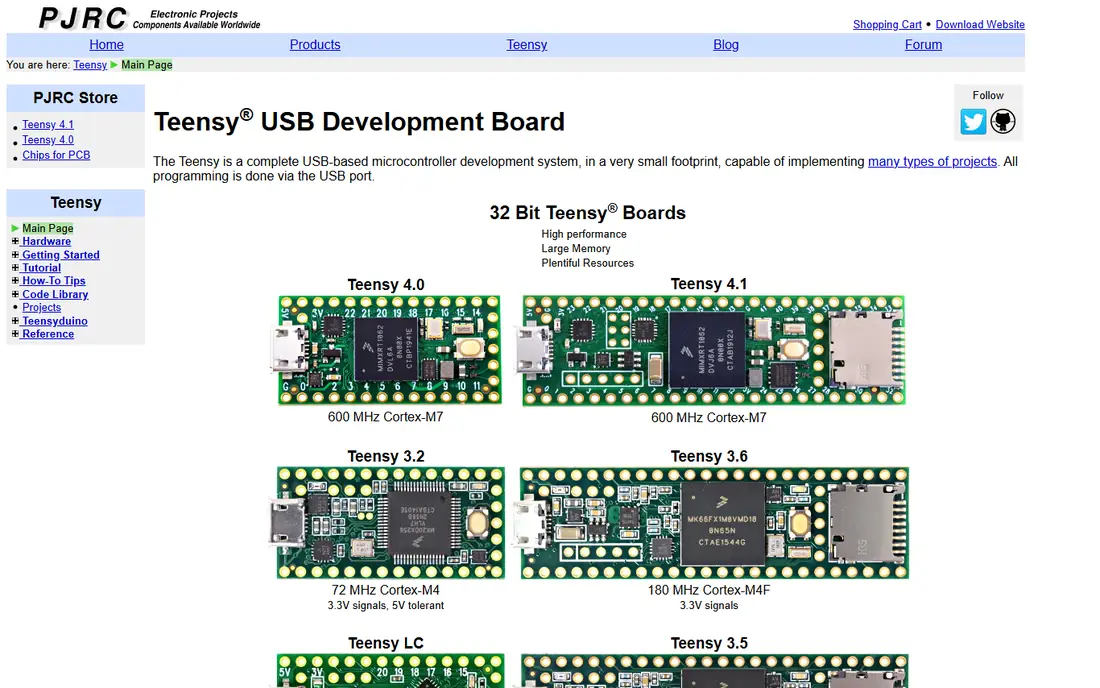
Teensy boards, made by PJRC, are what people reach for when an Arduino or a Pico runs out of speed. PJRC's page lists the Teensy 4.1 with a 600 MHz ARM Cortex-M7 processor, 8 MB of flash, 1024 KB of RAM, 55 digital pins and a hardware floating-point unit. It also has USB host and device ports, three CAN bus ports and an SD card socket, and the 10/100 Ethernet version is the standard 4.1 model.
The Arduino link is a real advantage. PJRC says the main way to program it is the Arduino IDE with the Teensyduino add-on, and it also lists PlatformIO and CircuitPython. That means most Arduino libraries and sketches work with few changes, only much faster.
Price is the catch. SparkFun lists the Teensy 4.1 at $31.50 with headers sold separately, and we did not find a price on PJRC's own product page, so check where you buy. For a blinking LED it is overkill, but for audio effects, LED walls or fast sensor loops it earns its cost.
- 600 MHz Cortex-M7 processor
- Built-in SD card socket and optional Ethernet
- Works with the Arduino IDE through Teensyduino
- Costs several times more than a Pico
- Header pins are not included
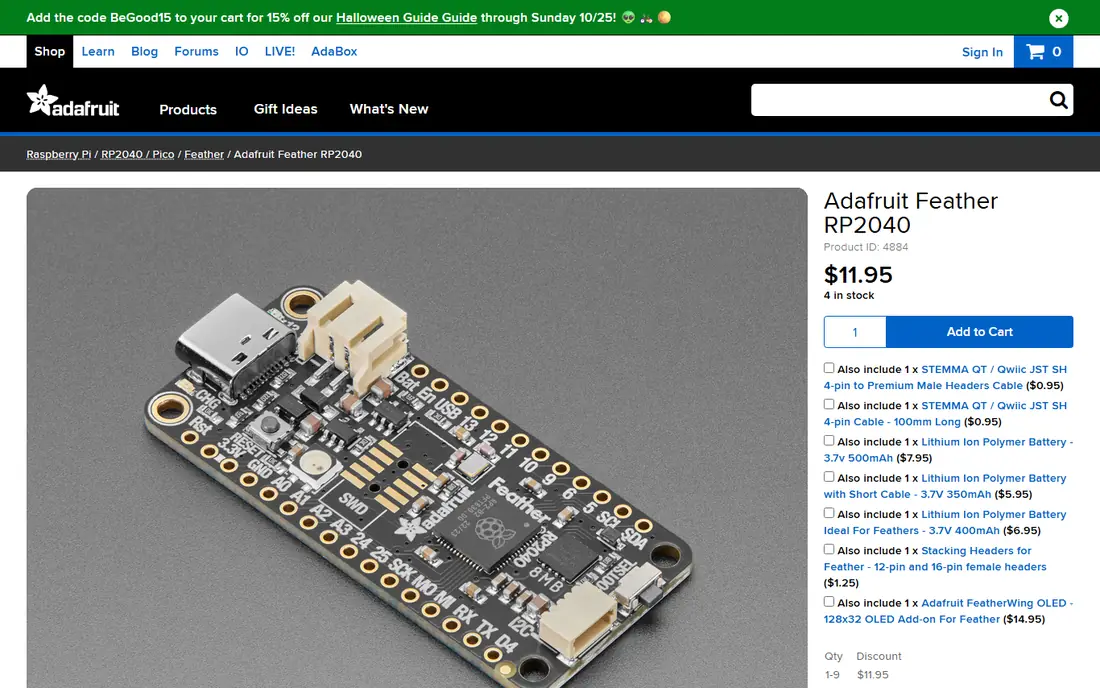
Adafruit's Feather boards share one small size and pin layout, so you can mix boards and add-on "wings" without rewiring. The Feather RP2040 uses the same chip as the original Pico. Adafruit's listing shows $11.95 for one board, $10.76 each for 10 or more, and $9.56 each for 100 or more.
The listing describes a dual-core Arm Cortex-M0+ chip, 264 KB of SRAM and 8 MB of QSPI flash, with a USB-C connector and a 4-pin STEMMA QT port that lets you plug in I2C sensors with no soldering. Adafruit recommends CircuitPython as the easiest way to start and notes Arduino support through the Earle Philhower core. Headers come in the box but are not soldered on.
Adafruit also sells the SAMD21-based QT Py at $7.50, which Adafruit says shares the Seeed XIAO's size and pinout. The main downside of the Feather RP2040 is price: you pay extra over a Pico for the connectors and the polish. For a hobbyist who wants things to simply plug together, many people find that worthwhile. If you are buying a board only to learn on, the plain Pico is cheaper.
- USB-C and a plug-in STEMMA QT connector for I2C sensors
- 8 MB of flash for storing files
- CircuitPython is the officially recommended starting point
- Costs more than a bare Pico
- The board is not wireless
The XIAO line from Seeed Studio is about size. These boards are very small, which makes them suitable for wearables, small sensors and anything that must fit inside a tight case. Seeed's store lists the XIAO ESP32C3 at $4.90, described as using a RISC-V architecture and tagged for 2.4 GHz Wi-Fi and Bluetooth 5.0.
Seeed also sells XIAO boards on other chips, and the series page is titled around tiny Arduino-style boards for tinyML. Battery charging and low-power use are listed among the ESP32C3 version's tags, which fits a small portable build. Because Adafruit says its QT Py shares the XIAO size and pinout, accessories and cases often fit across the two brands.
The catch is that small means fewer pins and less room to solder, so it can be fiddly for beginners. The product page we read also gave few software details, so plan to read Seeed's wiki or a community guide before you start.
- Very small and very cheap
- Wi-Fi and Bluetooth 5.0 on the C3 version
- RISC-V processor with battery charging and low-power focus
- Few pins because of its size
- Product page gives little detail about software setup

The micro:bit is the odd one out here. It is not a bare chip board but a small learning computer with a 5x5 LED display and a lot already on it. The official features page lists a light sensor, temperature sensor, compass, accelerometer, a built-in speaker, a microphone with an indicator light and a gold touch-sensitive logo, plus Bluetooth and radio to talk to other micro:bits.
Because everything is on the board, a child or beginner can build a step counter or a sound meter without wiring a single part. The micro:bit Educational Foundation sells through channel partners and resellers, including Adafruit, SparkFun, Micro Center and DigiKey in the US, and it lists the Go, Single, Club (10 boards) and Classroom (30 boards) packs. The site does not show prices, so check a reseller for the current figure.
It is a lesson tool more than a project board. If you outgrow block coding and want to power something permanent, a Pico or an ESP32 is the next step.
- Sensors, speaker, microphone and buttons built in
- Bluetooth and radio between boards
- Made for teaching
- Not designed for permanent or advanced projects
- No price on the official site
STMicroelectronics sells a wide line of Nucleo boards, each carrying a different STM32 chip. The company's page for the NUCLEO-F446RE says it has Arduino Uno V3 expansion connectors, ST morpho headers that expose all of the chip's pins, and an onboard ST-LINK programmer and debugger. In plain terms, you plug in a USB cable and you can both load code and step through it, with no extra hardware.
This is the board to pick if your goal is a job or a project that will later become a product, because STM32 chips are common in commercial devices. Its Arduino-style headers mean many Uno shields can be fitted, which softens the move.
The tradeoff is the learning curve. ST's own tools are aimed at engineers, and the first hour will feel harder than uploading a sketch. The product page we read did not display a price, and it differs by model and seller, so compare a few before buying.
- Built-in programmer and debugger, so no extra probe is needed
- Arduino Uno V3 headers keep most shields working
- Many chips to choose from
- Less beginner-friendly than the Arduino IDE
- Price varies by model and is not shown on the product page
How we picked these
We compared each board using the maker's own product pages, store listings and documentation, and we only quote prices and specs that appear there. Where a page showed no price, we wrote See website instead of guessing. We did not run hands-on tests, so the notes about ease of use come from the documented features, such as what is built in and which tools each maker supports.
We chose boards that answer the reasons people leave the Arduino Uno: more speed, more memory, built-in wireless, a lower price or a smaller size. We also mixed well-known names with smaller makers so that you see more than one style of board.
How to choose the right board
The right board depends on the job, not on a leaderboard. Start with what the project needs and work backward.
Decide on wireless first
If the project must talk over Wi-Fi or Bluetooth, an ESP32 or XIAO ESP32C3 saves you from adding a module. The Pico 2 W adds wireless to the Pico line, but we could not confirm its price. If the board stays on a desk with a USB cable, you can skip wireless and save money.
Check the software you want to use
Most boards here accept Arduino code, but the route differs. Teensy uses Teensyduino, the Pico and Feather RP2040 use a community core, and ESP32 has its own tools from Espressif. If you want Python, the Pico, Feather and micro:bit are friendlier. Match the board to the language you are comfortable with.
Mind the hidden costs
The base price is not the whole bill. Teensy 4.1 headers are sold separately, the Feather RP2040 headers need soldering, and small boards like the XIAO leave little room for mistakes. Add a USB cable, a breadboard and a few sensors to your estimate.
Keep the Uno if it fits
An Uno is still fine for a simple, 5V project where you already own shields and know the tutorials. Arduino's own store lists the Uno Rev3 with a 16 MHz ATmega328P and 2 KB of SRAM, and it also points buyers to the newer UNO R4 boards. You do not need to switch just because something is newer.
Frequently asked questions
What is the best Arduino alternative for beginners?
For most beginners we would suggest the Raspberry Pi Pico 2, because it is priced from $5 and can be programmed in MicroPython or C/C++. Children and classrooms often do better with the micro:bit, which has sensors built in and needs no wiring.
Are Arduino alternatives compatible with Arduino code?
Often, yes. Teensy works with the Arduino IDE through the Teensyduino add-on, and Adafruit notes Arduino support for the RP2040 through a community core. Code that calls hardware directly or uses AVR-specific tricks may need changes.
Is Raspberry Pi Pico better than Arduino?
It depends on the job. Raspberry Pi lists the Pico 2 with two 150 MHz cores and 520 KB of SRAM, which is far more than the Uno's 16 MHz chip and 2 KB. The Pico has no 5V logic and fewer ready-made shields, so the Uno can still be easier for old projects.
Which Arduino alternative has built-in Wi-Fi?
ESP32 boards, including Seeed's XIAO ESP32C3, have Wi-Fi and Bluetooth on the chip. In the Raspberry Pi range, the Pico W and Pico 2 W add wireless, while the base Pico 2 does not.
What is the cheapest alternative to Arduino?
The cheapest listings we found were Seeed's XIAO ESP32C3 at $4.90 and the Raspberry Pi Pico family from $4 to $5. Prices change and shipping adds cost, so check the seller before you order.
Do these boards work with Arduino shields?
Only some do. The STM32 Nucleo boards include Arduino Uno V3 connectors. Most others use their own layouts, such as the Feather or XIAO footprint, so Uno shields will not plug straight in.
Sources
- https://www.raspberrypi.com/products/raspberry-pi-pico/
- https://www.raspberrypi.com/products/raspberry-pi-pico-2/
- https://www.raspberrypi.com/news/raspberry-pi-pico-2-our-new-5-microcontroller-board-on-sale-now/
- https://www.espressif.com/en/products/devkits
- https://www.espressif.com/en/products/devkits/esp32-devkitc/overview
- https://www.espressif.com/en/products/socs/esp32-s3
- https://www.pjrc.com/store/teensy41.html
- https://www.pjrc.com/teensy/
- https://www.sparkfun.com/teensy-4-1.html
- https://www.adafruit.com/product/4884
- https://www.adafruit.com/product/4600
- https://www.seeedstudio.com/Seeed-XIAO-ESP32C3-p-5431.html
- https://www.seeedstudio.com/xiao-series-page
- https://microbit.org/buy/
- https://microbit.org/buy/where/
- https://microbit.org/get-started/user-guide/features-in-depth/
- https://www.st.com/en/evaluation-tools/nucleo-f446re.html
- https://store.arduino.cc/products/arduino-uno-rev3
See where you really rank - block by block
ProMapRanker scans Google Maps across a grid of your service area. Simple monthly plans from $19, white-label on every plan.
Start freeKeep reading
 canva alternatives
Best Canva Alternatives in 2026: 8 Design Tools Compared
Looking for Canva alternatives? We compared 8 design tools on current 2026 pricing, free plans and limits, from Adobe Express to VistaCreate and Visme.
Read → best workout tracker app
Best Workout Tracker Apps in 2026: 7 Apps Compared
Looking for the best workout tracker app in 2026? We compared 7 workout log apps on price, free features and ease of use, from Hevy and Strong to Fitbod.
Read → best streaming service for sports
Best Streaming Services for Sports in 2026: 8 Options Compared
Which is the best streaming service for sports? We compared 8 options on October 2026 prices, free trials, local channels and leagues, from ESPN to YouTube TV.
Read →