 ProMapRanker
Best Apps for Kids in 2026: 10 Apps Compared


All-round early learning, ages 2 to 8 · Pricing starts at: Free
Key takeaways
- Four strong apps are completely free with no subscriptions: Khan Academy Kids, PBS KIDS Games, Duolingo ABC and ScratchJr. Khan Academy Kids and Duolingo ABC also say they have no ads.
- Khan Academy Kids has the best mix of quality and value for ages 2 to 8, with 5,000+ activities and a 4.8-star App Store rating from more than 130,000 ratings.
- Subscription apps such as ABCmouse, Epic and Sago Mini World offer bigger libraries, but compare their App Store prices before you start a trial.
- "Free" game apps like Toca Boca World and Prodigy Math still sell in-app extras or memberships, so turn on purchase approval on your child's device.
- YouTube Kids is free, but parents should pick a content mode carefully and use the timer; Approved Content Only is the safest setting for young children.
Quick comparison
| Pick | Great for | Pricing starts at | Free tier | |
|---|---|---|---|---|
| Khan Academy Kids | All-round early learning, ages 2 to 8 | Free | Yes | Visit |
 PBS KIDS Games PBS KIDS Games | Learning games with favorite TV characters | Free | Yes | Visit |
 Duolingo ABC Duolingo ABC | Learning to read, preschool to 2nd grade | Free | Yes | Visit |
 Epic Epic | Kids who love books and audiobooks | See website | Free trial (7 days) | Visit |
 ABCmouse ABCmouse | A structured learning path for ages 2 to 8 | Free | Yes | Visit |
 YouTube Kids YouTube Kids | Videos with parent-picked content | Free | Yes | Visit |
 Toca Boca World Toca Boca World | Open-ended creative play | Free | Yes | Visit |
 Sago Mini World Sago Mini World | Gentle pretend play for preschoolers | See website | Free trial | Visit |
 Prodigy Math Prodigy Math | Math practice that feels like a video game | Free | Yes | Visit |
 ScratchJr ScratchJr | A first taste of coding, ages 5 to 7 | Free | Yes | Visit |
The best apps for kids
We focused on apps that teach something or spark creativity, with clear rules on ads and purchases. Ratings and prices below come from the US App Store listings and the developers' own sites in October 2026.
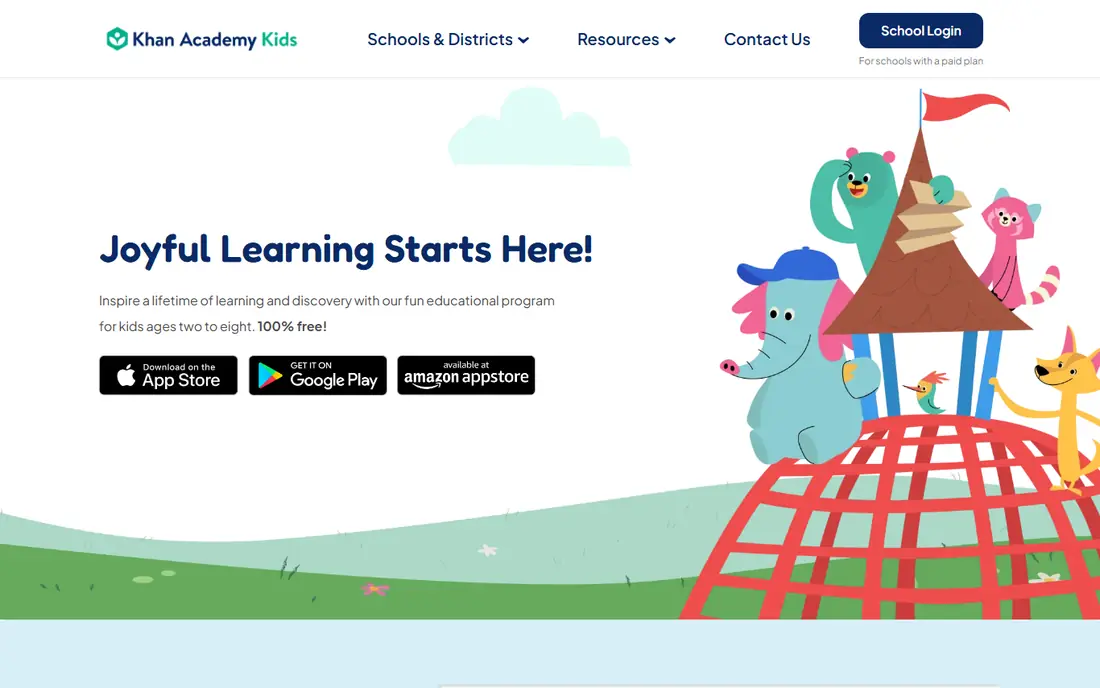
If we had to pick one app for a young child, this is it. Khan Academy Kids is made by the nonprofit Khan Academy, and its App Store listing says it is always free with no ads and no subscriptions. It covers phonics, reading, math, writing and social-emotional skills through a cast of animal characters led by Kodi the Bear.
The listing says the app was created with the Stanford Graduate School of Education, is aligned with Head Start and Common Core standards, and is COPPA compliant. Storybooks can be read aloud in English or Spanish, and families can download books and games for car trips. It holds a 4.8-star rating from more than 132,000 ratings.
The honest limit is age range. By third grade most kids will want something more challenging. Some children who are used to flashy games may also find the pace calm.
- 100% free with no ads or subscriptions
- 5,000+ games, books and videos
- Works offline with downloaded content
- Aimed at ages 2 to 8, so older kids outgrow it
- Less game-like than some rivals
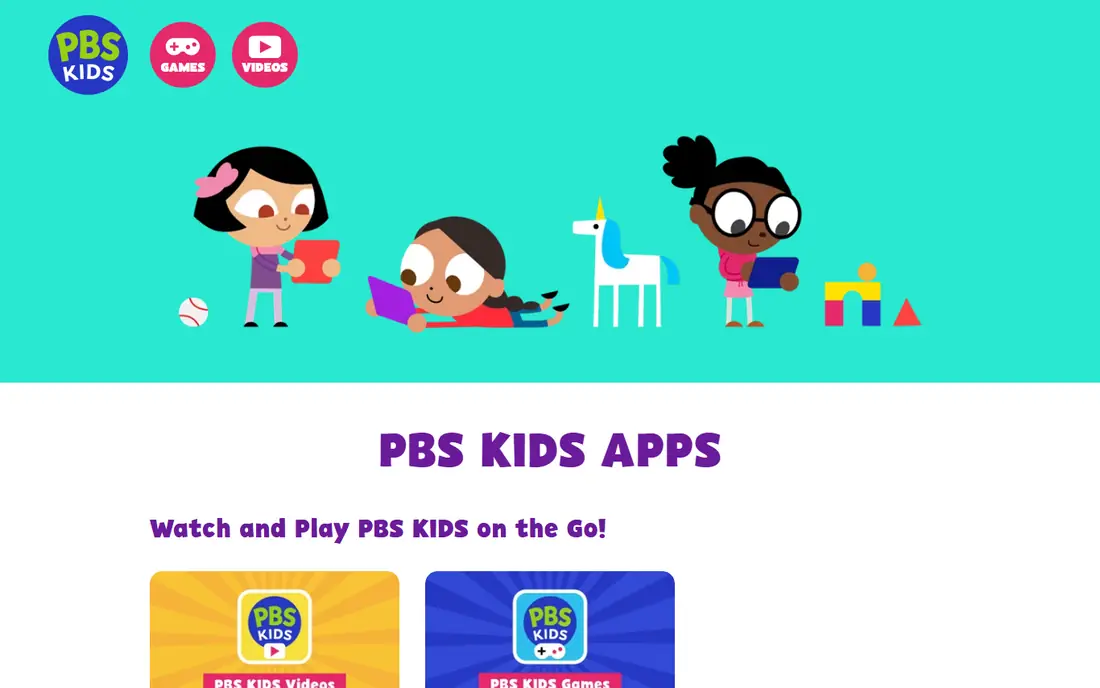
PBS KIDS Games packs more than 280 free games for ages 2 to 8 into one app, according to its App Store listing. Kids play mazes, puzzles, math and reading games with characters from PBS shows, including Daniel Tiger, Wild Kratts and Carl the Collector.
It is a great choice for kids who already love PBS shows, since the characters do a lot of the motivating. The listing shows no in-app purchases, and the app is free to download. It has a 4.4-star rating from about 372,000 ratings.
The catch is structure. It is a big menu of mini games rather than a step-by-step program, so it works better as fun practice than as a curriculum.
- 280+ free curriculum-based games
- English and Spanish play
- Familiar characters like Daniel Tiger and Wild Kratts
- Games are short and a bit scattered
- Less of a structured learning path
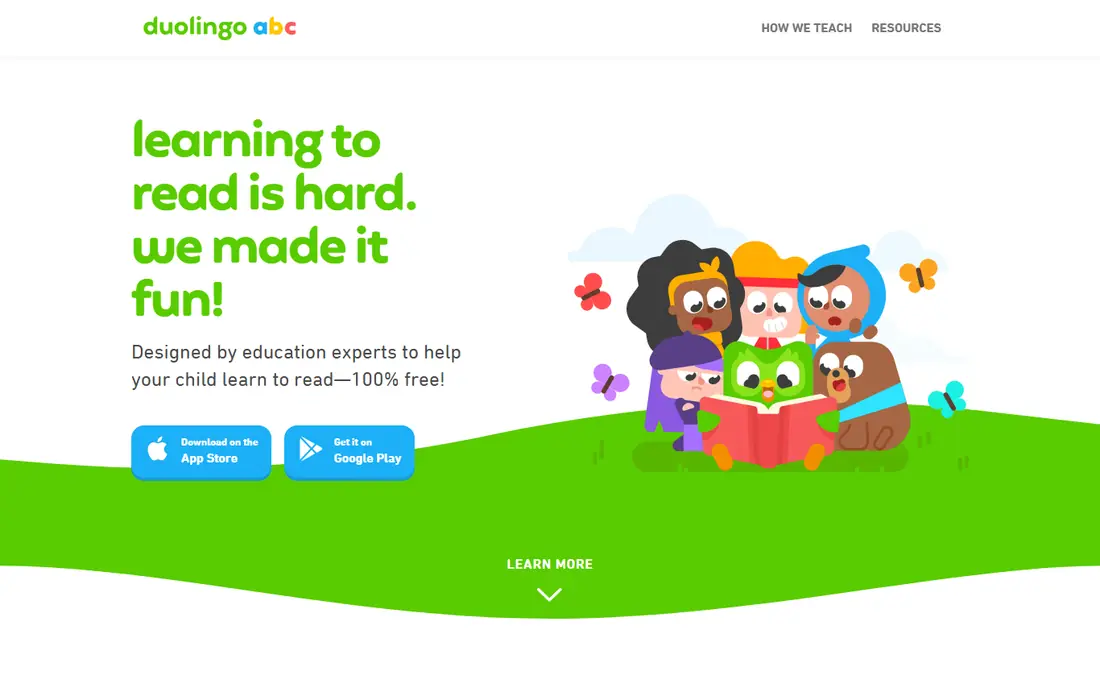
Duolingo ABC comes from the team behind the Duolingo language app and focuses on one job: teaching kids to read in English. The App Store listing describes more than 700 lessons on letters, phonics, sight words and vocabulary, plus stories that highlight each word as it is read aloud.
Its listing says there are no ads or in-app purchases, and the app works offline. Lessons are short, which suits young attention spans. It is the best free pick for a child who is just starting to sound out words.
It is narrow by design. There is no math or science, and its App Store rating (4.3 stars) is based on only about 3,800 ratings, so it has less public feedback than the others here.
- No ads or in-app purchases
- 700+ short lessons plus interactive stories
- Works offline
- Focused on reading only
- Far fewer ratings than the big names
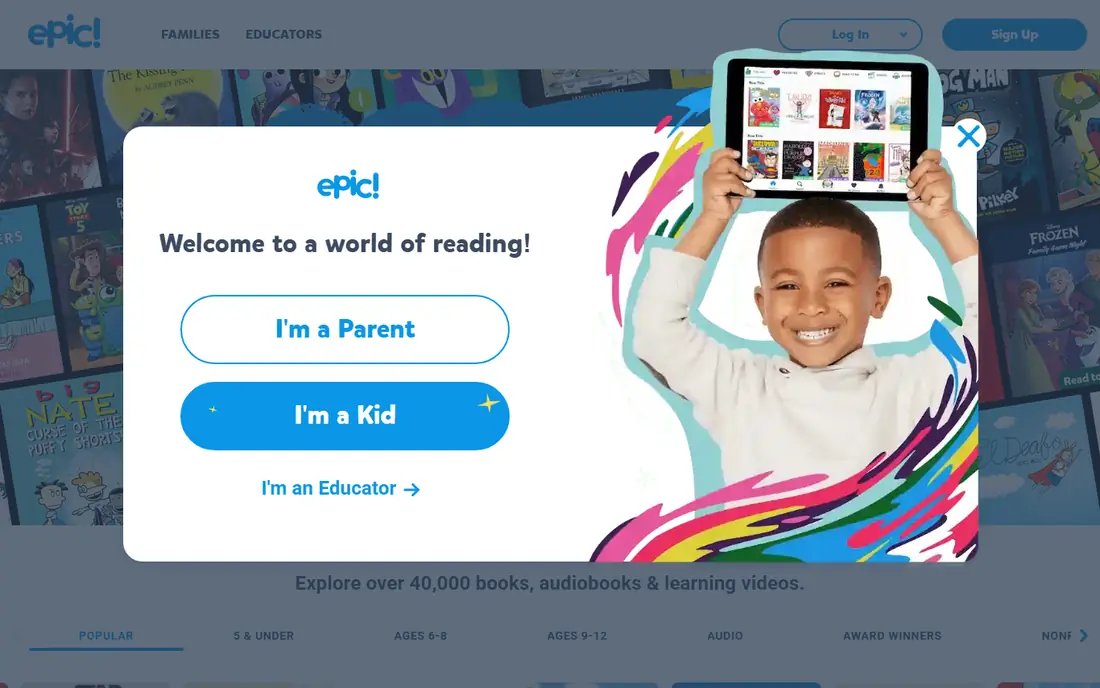
Epic calls itself the largest digital library for kids, with more than 40,000 books, audiobooks and videos. Families get a paid subscription that starts with a 7-day free trial, up to four child profiles and a parent dashboard to see what each child reads. Teachers can use it free.
It shines for reluctant readers. Read-To-Me books, quizzes, badges and audio dictionary lookups help kids keep going, and books can be downloaded for offline reading. The App Store rating is 4.7 stars from about 519,000 ratings.
The catch is cost clarity. The App Store listing shows several subscription prices, so check the exact price shown in the app before your trial ends.
- 40,000+ books, audiobooks and learning videos
- Up to 4 child profiles
- Free for educators
- Family use needs a paid subscription
- Several prices appear on the App Store
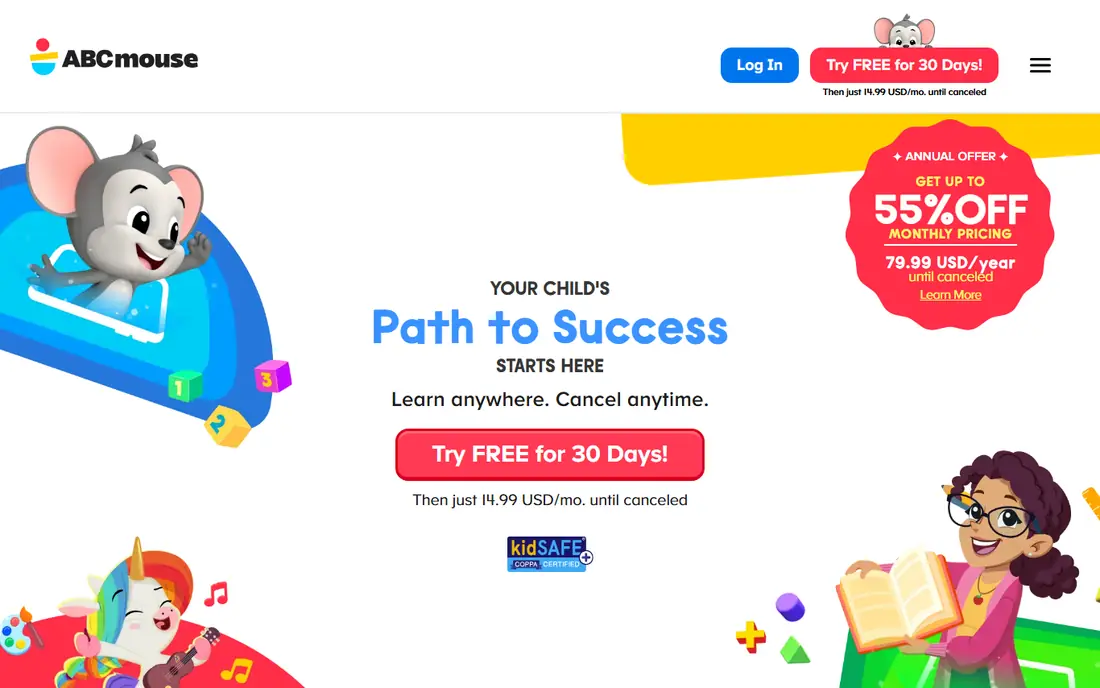
ABCmouse offers a free daily collection of games, books, songs and art activities for ages 2 to 8. Its Premium tier opens the full library of more than 13,000 activities and a personalized learning path. The App Store lists ABCmouse 2 subscriptions at $14.99 and $59.99, plus optional assessments at $3.99 monthly or $39.99 yearly.
This app suits parents who want a clear, school-like sequence rather than a pile of games. The path moves kids from one skill to the next, which is easy to follow at home.
On the other hand, the free version is a sample, not the full product. Its App Store rating, 4.1 stars from about 146,000 ratings, is the lowest of the big learning apps on this list.
- Free daily set of activities
- Premium adds 13,000+ activities across reading, math, science and art
- Step-by-step learning path
- The best content needs Premium
- Ratings are lower than other top picks
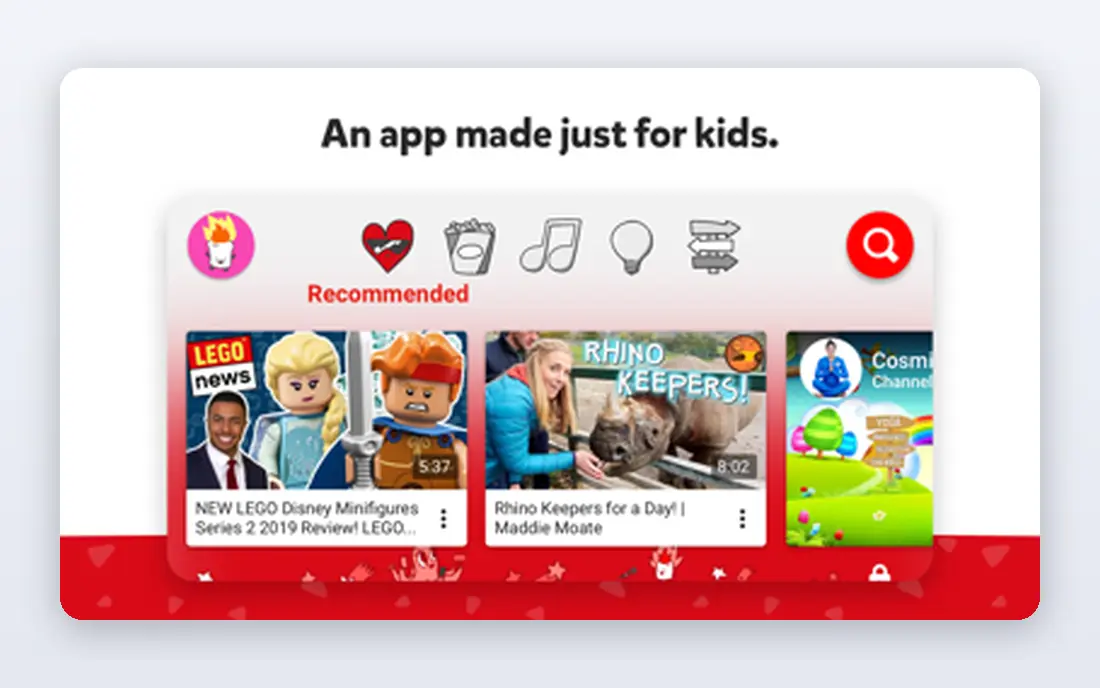
Most kids will watch videos anyway, and YouTube Kids is a safer place for it than regular YouTube. Parents can choose Preschool, Younger or Older modes, or switch on Approved Content Only to hand-pick every video, channel and collection.
The timer freezes the app when screen time is up, which avoids a lot of arguments. It is free and has a 4.6-star rating from about 2.7 million ratings.
The honest warning is in Google's own listing: kids may see commercial content from creators that is not a paid ad. Automated filters can also miss things, so we recommend Approved Content Only for preschoolers.
- Content modes by age
- Approved Content Only mode for hand-picked videos
- Built-in timer
- Filters are not perfect
- Kids may see commercial content from creators
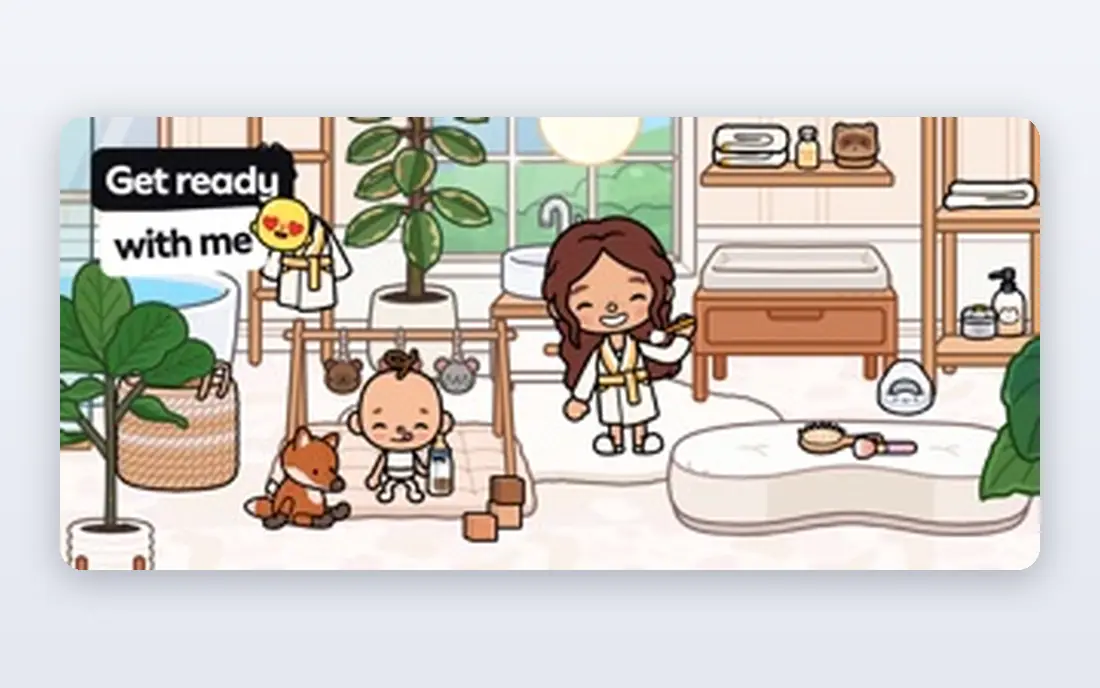
Toca Boca World is a digital dollhouse. Kids build homes, design characters, run cafes and make up their own stories, with no scores or timers. The listing says it is single-player, has no chat and no strangers, is COPPA compliant and never shows third-party ads.
It is a strong pick for creative kids who love pretend play. Free gifts arrive at the in-game post office every Friday, and the App Store rating is 4.3 stars from almost 900,000 ratings.
The catch is the shop. Extra locations and furniture packs cost money, from $0.99 for small packs up to $4.99 for the Character Creator on the App Store listing. Turn on purchase approval before handing it over.
- Single-player with no chat with strangers
- No third-party ads
- Huge creative freedom
- In-app shop sells extra locations and packs
- Not built around school skills
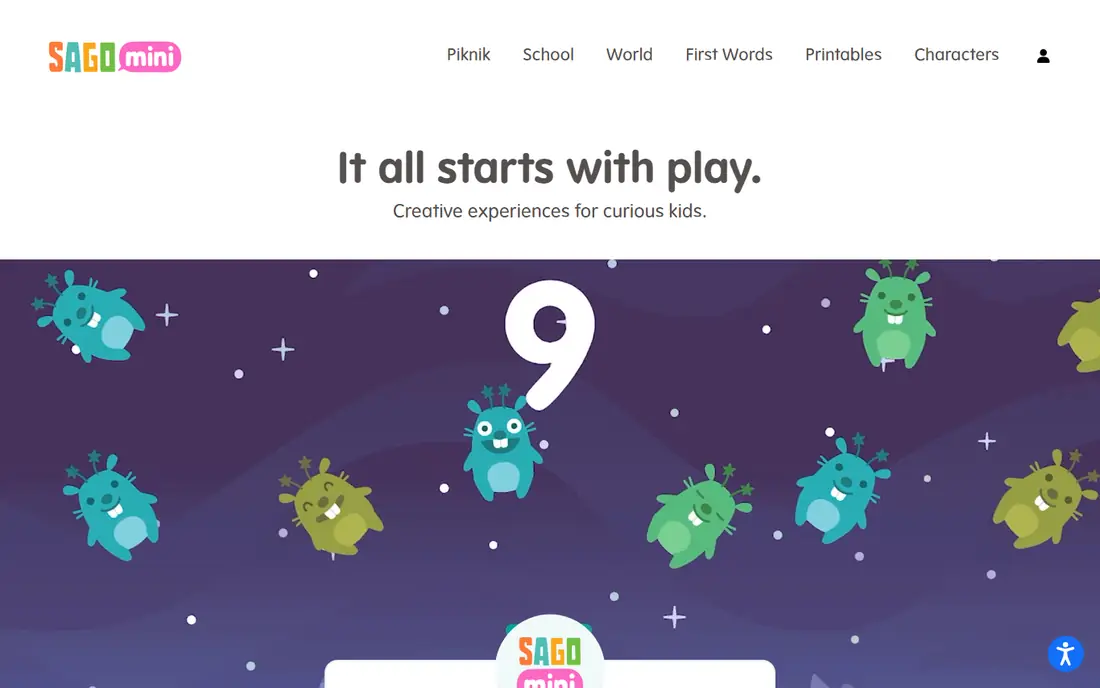
Sago Mini World is calm, colorful play for very young children: caring for babies, meeting friendly dinosaurs, baking cakes and exploring a little city. It is part of Piknik, a subscription bundle that also includes some Toca Boca and Originator apps.
Its listing says it is COPPA and kidSAFE certified with no in-app purchases or ads for subscribers. The App Store shows a Sago Mini World Plan at $7.99 and Piknik Unlimited options, with a free trial offered on Sago Mini's site.
The trade-off is price for a narrow age band. Kids over six will likely lose interest, so it makes the most sense for families with toddlers or preschoolers.
- Designed for ages 2 to 6
- COPPA and kidSAFE certified
- No ads or in-app purchases for subscribers
- Needs a subscription after the trial
- Little value for school-age kids
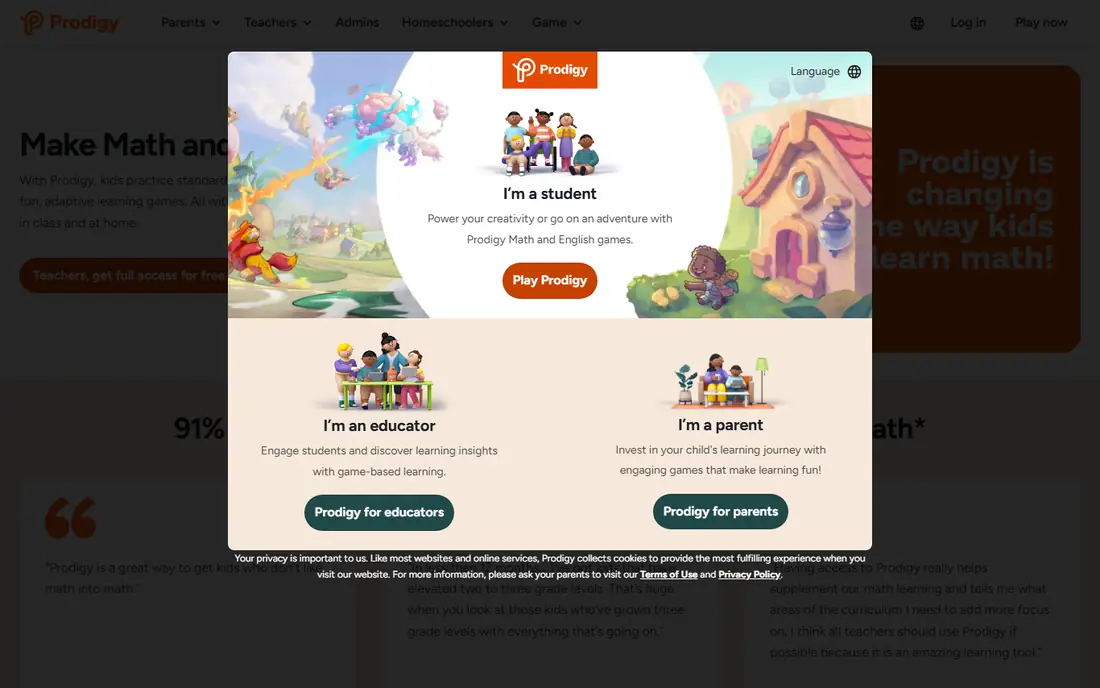
Prodigy turns math practice into a fantasy role-playing game where kids win battles by answering questions. Prodigy says its math and English content is free for students and aligned to state standards, and the game adapts questions to each child's level.
It is perfect for elementary kids who groan at worksheets but love video games. The App Store rating is 4.8 stars from about 252,000 ratings, and a separate Prodigy for Parents app is also on the App Store.
The honest downside is the upsell. Memberships add game extras, and the App Store lists plans from $12.99 a month (Core) up to $154.99 a year (Ultra). Some parents find the in-game reminders about membership pushy, so talk with your child about it upfront.
- Free curriculum-aligned math questions
- Adaptive difficulty
- Teachers can assign work
- Membership extras are promoted inside the game
- Online play with other players
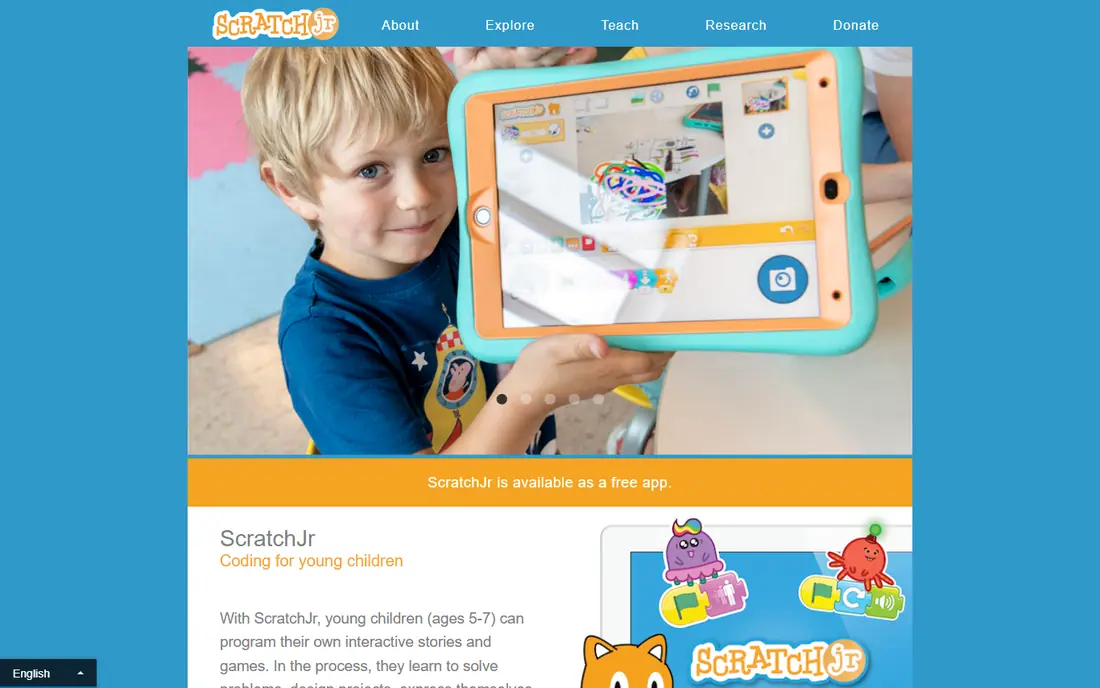
ScratchJr lets young children snap together picture blocks to make characters move, jump, dance and sing. It was built by the Lifelong Kindergarten group at the MIT Media Lab with Tufts University and the Playful Invention Company, as a younger version of Scratch.
It is our favorite for turning screen time into making things instead of watching them. Kids practice sequencing, problem solving and early math while building their own stories. It is free, and the team asks for optional donations to the Scratch Foundation.
Its App Store rating is 3.9 stars from about 1,900 ratings, lower than others here. The interface is simple but not self-explanatory, so plan to sit with your child for the first few sessions.
- Free, from a nonprofit-backed project
- Teaches logic through stories and games
- Created by MIT Media Lab and Tufts researchers
- Lower App Store rating
- Best with an adult nearby at first
How we picked these
We compared each app's official App Store listing (US store, October 2026), including its description, age rating, star rating, number of ratings and in-app purchase list. We also checked the developers' own websites for free trials, pricing and privacy claims. We did not run a hands-on test with children.
We favored apps with a clear educational or creative purpose, transparent pricing and strong safety practices such as no third-party ads, no chat with strangers and COPPA compliance. We also mixed big names with smaller apps that do one thing well.
How to choose the right app for your child
Match the app to age and goal
An app built for ages 2 to 5 will bore a 9-year-old, and a math game for third graders will frustrate a preschooler. Decide what you want first: reading, math, creativity, coding or just quality entertainment.
Read the price section before you download
"Free" can mean truly free (Khan Academy Kids, PBS KIDS Games, Duolingo ABC, ScratchJr), free with an in-app shop (Toca Boca World), or a sample of a paid product (ABCmouse). Scroll to the In-App Purchases list on the App Store to see real prices.
Lock down purchases and screen time
On iPhone and iPad, Family Sharing with Ask to Buy makes kids request approval for purchases. On Android, Google Family Link offers similar controls. Use built-in timers too, like the one in YouTube Kids.
Check ads, chat and data
Look for clear statements about ads, chat and privacy. The safest apps for young children have no third-party ads and no way to talk to strangers.
Play together first
Spend ten minutes with any new app before your child uses it alone. You will quickly see whether it teaches, entertains or mostly sells.
Frequently asked questions
What is the best free app for kids?
Khan Academy Kids is our top free pick for ages 2 to 8, because it is fully free with no ads or subscriptions and covers reading, math and more. PBS KIDS Games and Duolingo ABC are excellent free extras, and ScratchJr is the best free coding app for young kids.
Are kids' apps safe?
Many are, but it varies a lot. Look for apps that state they have no third-party ads, no chat with strangers and COPPA compliance, like Khan Academy Kids and Toca Boca World. Always set up purchase approval and screen time controls on the device.
Is ABCmouse worth paying for?
It can be if you want a structured, school-style learning path for a child aged 2 to 8. Try the free daily activities first, then compare it with Khan Academy Kids, which covers similar skills for free.
What is the best reading app for kids?
For learning to read, Duolingo ABC is a strong free choice. For kids who already read and want more books, Epic offers a library of more than 40,000 books, audiobooks and videos, with a 7-day free trial for families.
What age should kids start using apps?
Many popular learning apps are designed for children from age 2. Keep sessions short, choose ad-free educational apps, and play alongside younger children when you can.
Sources
- https://apps.apple.com/us/app/khan-academy-kids/id1378467217
- https://apps.apple.com/us/app/id1050773989
- https://apps.apple.com/us/app/id1440502568
- https://apps.apple.com/us/app/id719219382
- https://www.getepic.com
- https://apps.apple.com/us/app/id6460300848
- https://apps.apple.com/us/app/id936971630
- https://apps.apple.com/us/app/id1208138685
- https://apps.apple.com/us/app/id874425722
- https://sagomini.com
- https://apps.apple.com/us/app/id950795722
- https://www.prodigygame.com/main-en
- https://apps.apple.com/us/app/id895485086
See where you really rank - block by block
ProMapRanker scans Google Maps across a grid of your service area. Simple monthly plans from $19, white-label on every plan.
Start freeKeep reading
 philippines best loan apps
Philippines Best Loan Apps in 2026
The Philippines best loan apps for 2026, compared on SEC or BSP registration, loan limits, monthly rates and fees, from GCash GLoan and Maya to Tala and BillEase.
Read → best secret management tools enterprise devsecops
Best Secret Management Tools for Enterprise DevSecOps in 2026
The best secret management tools for enterprise DevSecOps in 2026, compared on pricing, free tiers, rotation, dynamic secrets and self-hosting, from Vault to Infisical.
Read → best png to svg free tool
Best PNG to SVG Free Tool in 2026
Looking for the best PNG to SVG free tool? We compared 7 free converters in 2026, from Inkscape and SVGcode to Adobe Express, on tracing quality, limits and privacy.
Read →