 ProMapRanker
Best Apps to Summarize PDFs Fast in 2026: 7 Apps Compared

Key takeaways
- The fastest route is an app with no sign-up. Smallpdf and ChatPDF both say you can summarize a PDF without registering, and ChatPDF says the summary is ready within seconds.
- Free limits are tight. ChatPDF's free plan allows 2 documents a day, UPDF's free version covers 5 PDFs of up to 10 MB, and SciSpace's free plan has 100 credits a month.
- For very long files, Claude accepts PDFs up to 500 MB and 1,000 pages in a chat, though it reads charts and images only in the first 100 pages.
- Privacy differs a lot. Smallpdf says it deletes files within one hour of processing, and Google says Workspace uploads to Gemini Notebook are not used to train AI models.
- Adobe's AI Assistant add-on has been listed at $4.99 a month, but Adobe has changed its bundles, so confirm the price at checkout.
Quick comparison
| Pick | Great for | Pricing starts at | Free tier | |
|---|---|---|---|---|
 Smallpdf Smallpdf | One-off summaries with no account | See website | Yes | Visit |
 ChatPDF ChatPDF | Fast single-PDF chat with page references | See website | Yes | Visit |
 Claude Claude | Very long PDFs | Free / $17 per month (Pro, billed yearly) | Yes | Visit |
 Gemini Notebook Gemini Notebook | Summaries across several PDFs | Free | Yes | Visit |
 Adobe Acrobat AI Assistant Adobe Acrobat AI Assistant | People already in Acrobat | $4.99 per month (add-on) | Free trial (7 days) | Visit |
 SciSpace SciSpace | Research papers | Free / $12 per month (billed yearly) | Yes | Visit |
 UPDF UPDF | PDF editing plus AI on phone and desktop | $79 per year (UPDF AI) | Yes | Visit |
The best apps to summarize PDFs fast
Speed comes down to three things: how quickly you can start (no account, no setup), how fast the summary appears, and whether you can ask a follow-up question when the summary misses something. The seven apps below differ most in free limits and in what they do with your file.
A note on privacy: when you upload a PDF, it leaves your device. For contracts, medical records or client files, read the vendor's data terms first. This is general information, not legal advice.
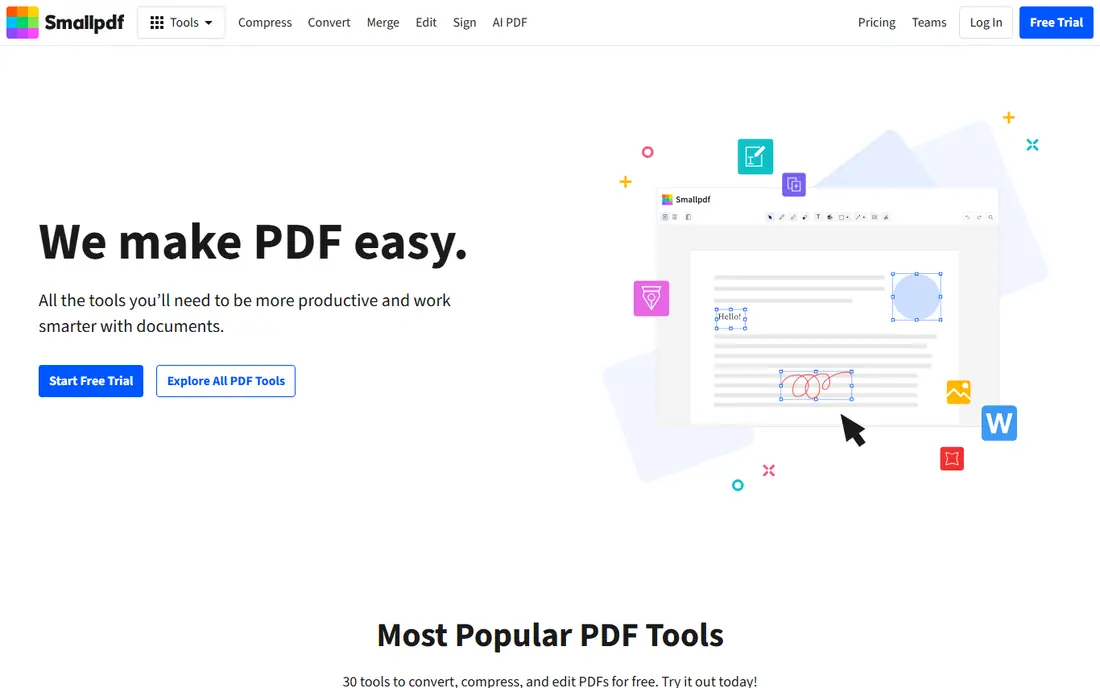
Smallpdf is the closest thing to a one-click summarizer. You upload a file, look over the overview, use suggested questions or the chat to dig into details, then copy or download the summary. Its page says registration is not required and that the summarizer is free to use.
On privacy, the page says files are protected with TLS encryption and automatically deleted from its servers within one hour after processing. Smallpdf also says it is GDPR compliant. That is a clearer deletion promise than many tools in this list make.
The catch is the limits. One Smallpdf page says free users get a small number of summaries a day (a legal-document page mentions two), while the summarizer page does not give a figure. Smallpdf Pro offers higher limits and a 7-day free trial, but we could not load the price, so we list See website.
- No registration needed
- Accepts PDF, Word, Excel, PowerPoint, PNG and JPG
- Files are deleted within one hour of processing
- The page does not state daily limits or file size caps
- Pro pricing was not shown on the pages we could open

ChatPDF is built for speed. You drag in a PDF and press summarize, and its page says the summary is ready within seconds. The result follows the structure of the original document, and you can ask follow-up questions in the chat.
The feature worth noting is the page references, which link answers to the original PDF so you can check them. The page says it works with scanned PDFs and with Word and PowerPoint files too. The free tool allows up to 2 PDFs per day without registration, and an account saves your chat history across devices.
The page does not give file size or page limits, and it does not explain how long files are stored. It says only that PDFs are processed securely. Plus is described as offering unlimited document analysis, and we could not confirm its price. Delete documents you no longer need.
- No account needed to try it
- Summary follows the document's structure
- Page references link back to the original
- Free plan is limited to 2 PDFs a day
- The Plus price and file limits are not shown

Claude, made by Anthropic, is a good fit when the PDF is long. Anthropic's help center says PDFs in a chat can be up to 500 MB and 1,000 pages, with up to 20 files per chat. For PDFs of 100 pages or fewer, Claude analyzes both text and visual elements such as charts. For 101 to 1,000 pages it processes text only.
Anthropic's pricing page lists Free at $0, Pro at $17 a month with an annual subscription ($200 billed up front) or $20 if billed monthly, and Max from $100 a month. A chat assistant is slower to start than a one-click tool, since you type the request, but you can ask for a short summary, a table of key dates or a list of action items.
Anthropic's privacy pages describe consumer chats as used for model improvement only if you opt in or a chat is flagged for safety review. They cover chats and do not mention uploaded files by name, so read the current terms before uploading anything sensitive.
- Chat uploads accept PDFs up to 500 MB and 1,000 pages
- Up to 20 files per chat
- Free plan available
- Charts and images are read only in the first 100 pages
- Free plan has usage limits
Gemini Notebook, formerly NotebookLM, works from a set of sources you load. You add PDFs, and it answers questions and summarizes using only those documents. That makes it the best fit when you have a pile of related files, such as a folder of reports.
Google's help center lists source limits by plan: Free up to 50 per notebook, Google AI Plus 100, Google AI Pro 300 and Google AI Ultra 600, subject to change. Each source can contain up to 500,000 words or 200 MB for uploaded files. Plus, Pro and Ultra are only available in certain regions.
On privacy, Google says your data is not used to train Gemini Notebook unless you provide feedback. For Workspace accounts, uploads, queries and responses are not reviewed by human reviewers and are not used to train AI models. For company files, the Workspace route is the safer one.
- Free plan allows up to 50 sources per notebook
- Each source can be up to 500,000 words or 200 MB
- Clear privacy rules for Workspace accounts
- Renamed from NotebookLM, so older guides look different
- A Google help page notes usage limit changes from September 2, 2026, so check current figures
Adobe's AI Assistant works inside Acrobat, so there is no upload to a separate website. Adobe's help page says it can summarize long or complex files and surface key takeaways. The add-on is called AI Assistant Plus in the help center and works with free and paid Acrobat individual plans, in English.
Adobe's 2025 announcement priced the add-on at $4.99 a month. An Adobe checkout page we found listed the add-on at US$4.99 a month with a 7-day free trial, alongside Acrobat Pro at US$19.99 a month. Adobe also sells Acrobat Studio, which includes the AI Assistant with no separate add-on. Because the plans have changed several times, confirm what applies to you at checkout.
This is the pick for someone who already pays for Acrobat. If you only summarize a PDF now and then, the free tools above cost nothing and are quicker to start.
- Summarizes inside the PDF app you may already use
- Also answers questions about the document
- Bundled into Acrobat Studio
- Pricing and plan names have shifted
- Trial and free-use terms vary by page
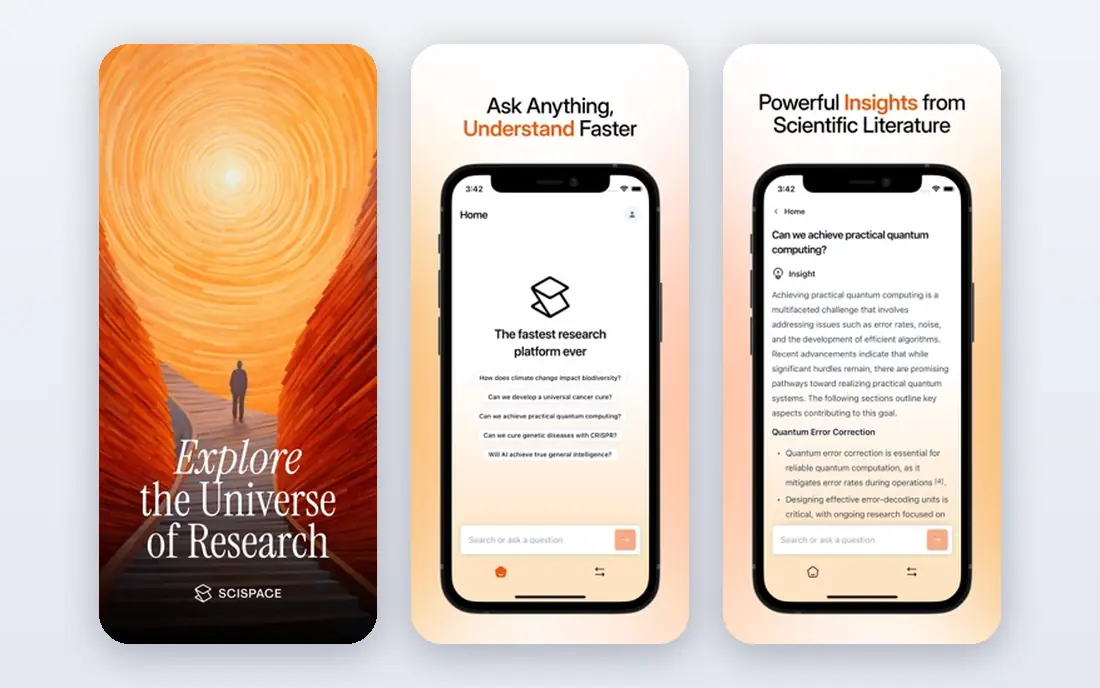
SciSpace is aimed at students and researchers who read many academic papers. Its credit guide lists a Basic plan at $0 with 100 monthly credits and a Premium plan at $20 a month, or $12 a month billed annually, with 1,200 monthly credits. Credits reset on the billing date and do not roll over.
Its higher plans are priced differently across SciSpace's own pages (one comparison lists Advanced at $90 a month, another at $70), so we only list the entry tiers. We could not open the pricing page directly. We also could not confirm exactly how many summaries the free plan covers, since credits are spent by different tasks.
If your PDFs are journal articles, SciSpace has tools that a general summarizer lacks, such as literature search. For a utility bill or a manual, a simpler app is faster.
- Built for academic papers and literature work
- Free Basic plan with 100 credits a month
- Paid Premium has 1,200 credits
- Credits can be used up quickly by heavy tasks
- Plan details differ between SciSpace pages
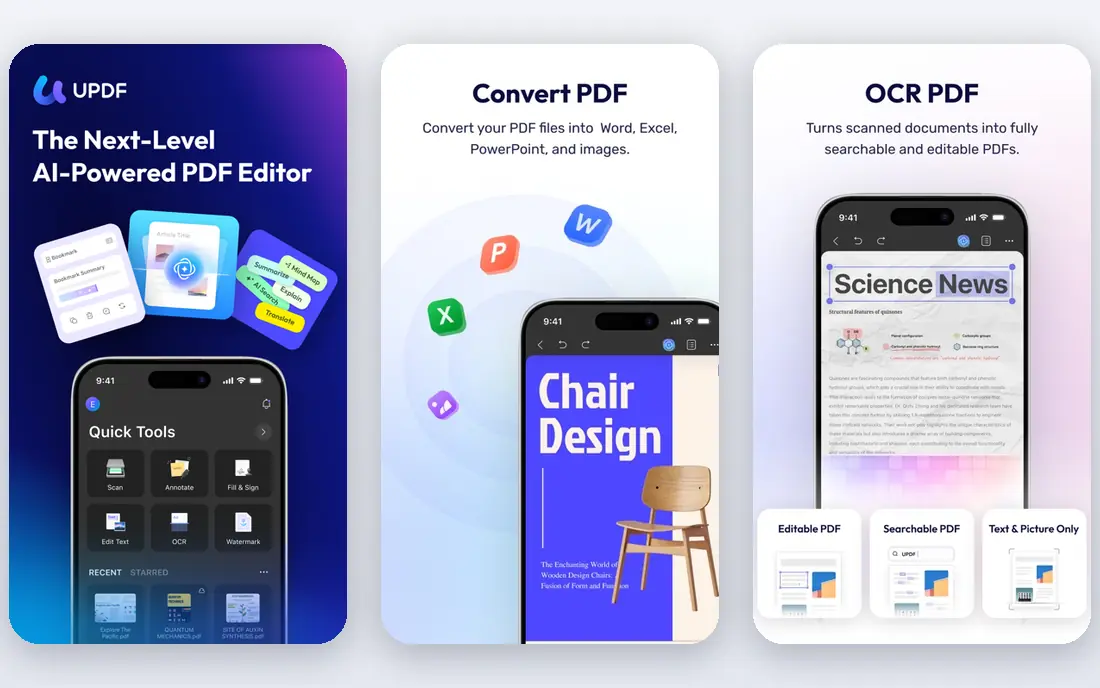
UPDF is a PDF editor with an AI assistant. UPDF's AI page says the free version lets you analyze up to 5 PDFs of 10 MB each and ask up to 100 questions, with a 7-day free trial of the paid AI. UPDF lists apps for Windows, Mac, iOS and Android.
On price, UPDF's comparison page says the AI plan starts at US$79 a year as a standalone purchase, or $69 a year when bundled with UPDF Pro. UPDF Pro is listed at US$49.99 a year on a special offer page. Because UPDF lists several prices, check the checkout page before paying.
This is a good fit if you want to edit a PDF and also summarize it, and it is a reasonable choice for summarizing on a phone. If you only want a summary, the extra price is hard to justify.
- Edit, annotate and summarize PDFs in one program
- AI works on iOS and Android
- Free version publishes its caps
- UPDF AI is a separate purchase from UPDF Pro
- UPDF's own pages list different prices
How we picked these
We compared each app using its official pricing pages, help center articles, privacy statements and product pages in October 2026. We did not run our own timed tests, so our remarks on speed reflect what vendors say about their tools. Where a page blocked our check or two pages disagreed, we wrote See website or flagged the conflict.
We looked for apps that start quickly, publish their limits, and say something clear about how uploads are handled. We mixed no-signup tools (Smallpdf, ChatPDF), AI assistants (Claude, Gemini Notebook), a PDF suite (Adobe Acrobat), a research tool (SciSpace) and a PDF editor with AI (UPDF).
How to pick a PDF summarizer
Think about the file first, then the speed.
Short, one-off files
For a bill, menu or short report, Smallpdf or ChatPDF are fast because there is no sign-up. Check the daily limit if you plan to use them often.
Long documents
For a book-length report or a large scan, choose an app with published page and size limits. Claude lists 1,000 pages and 500 MB per PDF, and Gemini Notebook lists 500,000 words or 200 MB per source.
Several related files
Use Gemini Notebook when you want answers across a group of documents, such as a set of contracts or articles.
Sensitive files
Choose a business or Workspace plan where the vendor states uploads are not used for training. Smallpdf's one-hour deletion promise is useful for a one-time upload. Remove personal numbers from the file when a summary does not need them, and always check the summary against the original for anything involving money, law or health.
Frequently asked questions
What is the best app to summarize PDFs fast?
For speed of starting, Smallpdf and ChatPDF need no account. For long files, Claude is the better choice, and for several PDFs at once, Gemini Notebook is. Pick based on the file size and how sensitive it is.
Is there a free app to summarize a PDF?
Yes. Smallpdf's summarizer is free without registration, ChatPDF allows 2 PDFs a day, and Gemini Notebook and Claude have free plans. UPDF and SciSpace also have free tiers with limits.
Can AI summarize a scanned PDF?
Some tools can. ChatPDF's page says it works with scanned PDFs, and Claude analyzes visual elements in PDFs of up to 100 pages. Accuracy on poor scans varies, so check the result.
Is it safe to upload a PDF to a summarizer?
It depends on the vendor and the account type. Smallpdf says it deletes files within an hour, and Google says Workspace uploads to Gemini Notebook are not used to train models. For confidential files, read the terms first or use a business plan.
How long can a PDF be?
Claude accepts up to 1,000 pages in a chat, and Gemini Notebook allows up to 200 MB per uploaded source. ChatPDF and Smallpdf do not state limits on the pages we reviewed.
Sources
- https://smallpdf.com/pdf-summarizer
- https://smallpdf.com/chat-pdf
- https://www.chatpdf.com/pdf-summary
- https://www.chatpdf.com/
- https://claude.com/pricing
- https://support.claude.com/en/articles/8241126-upload-files-to-claude
- https://privacy.claude.com/en/articles/10023580-is-my-data-used-for-model-training
- https://notebook.google/plans
- https://support.google.com/notebooklm/answer/16213268
- https://support.google.com/notebooklm/answer/16164461
- https://helpx.adobe.com/acrobat/desktop/use-acrobat-ai/ai-assistant-plus-acrobat.html
- https://news.adobe.com/news/2025/02/acrobat-ai-assistant-contracts
- https://scispace.com/resources/credits-pricing-guide/
- https://updf.com/updf-ai/
- https://updf.com/comparison/updf-free-vs-paid/
See where you really rank - block by block
ProMapRanker scans Google Maps across a grid of your service area. Simple monthly plans from $19, white-label on every plan.
Start freeKeep reading
 canva alternatives
Best Canva Alternatives in 2026: 8 Design Tools Compared
Looking for Canva alternatives? We compared 8 design tools on current 2026 pricing, free plans and limits, from Adobe Express to VistaCreate and Visme.
Read → best workout tracker app
Best Workout Tracker Apps in 2026: 7 Apps Compared
Looking for the best workout tracker app in 2026? We compared 7 workout log apps on price, free features and ease of use, from Hevy and Strong to Fitbod.
Read → best streaming service for sports
Best Streaming Services for Sports in 2026: 8 Options Compared
Which is the best streaming service for sports? We compared 8 options on October 2026 prices, free trials, local channels and leagues, from ESPN to YouTube TV.
Read →