 ProMapRanker
Best AI Text to Video Services Online in 2026


Creators who want top models and editing tools in one place · Pricing starts at: $15 per month
Key takeaways
- For cinematic clips from a text prompt, Runway, Kling AI, Google's Gemini and Flow, Luma and Pika lead the pack. Pika and Kling start at $10 a month, and Runway at $15 ($12 billed yearly).
- For talking-presenter videos (training, sales, explainers), Synthesia and HeyGen are better choices. Both have free plans with watermarks, and paid plans start at $29 a month.
- Many tools now resell other companies' models. Runway, Pika and InVideo all list Seedance models from other developers, so the model menu matters as much as the brand.
- Google replaced Veo 3.1 in the Gemini app with Gemini Omni 1.1 Flash, which makes clips up to 10 seconds with native audio and an invisible SynthID watermark. It needs a Google AI subscription.
- Free tiers are small. Runway gives 125 one-time credits, HeyGen allows 3 short videos a month and Pika's free plan has no monthly credits at all.
Quick comparison
| Pick | Great for | Pricing starts at | Free tier | |
|---|---|---|---|---|
| Runway | Creators who want top models and editing tools in one place | $15 per month | Yes | Visit |
 Google Gemini and Flow Google Gemini and Flow | Short clips with sound for Google AI subscribers | See website | No | Visit |
 Kling AI Kling AI | Longer, high-resolution AI clips | $10 per month (App Store) | See website | Visit |
 Luma AI Luma AI | Ray models plus third-party models with commercial use | $30 per month | No | Visit |
 Pika Pika | Cheap access to many video models | $10 per month | Yes | Visit |
 Adobe Firefly Adobe Firefly | Designers already working in Adobe apps | See website | Yes | Visit |
 Synthesia Synthesia | Business training and explainer videos with avatars | $29 per month | Yes | Visit |
 HeyGen HeyGen | Avatar videos and video translation | $29 per month | Yes | Visit |
 InVideo AI InVideo AI | Turning a prompt into a full edited video | $9 per month | No | Visit |
 Pictory Pictory | Turning scripts, blogs and slides into videos | $29 per month | Free trial (14 days) | Visit |
The best AI text to video services online
Text-to-video tools fall into two groups: generators that create new footage from a prompt, and presenter or editing tools that turn a script into a finished video. We cover both, since most people searching for an AI video maker want one or the other.
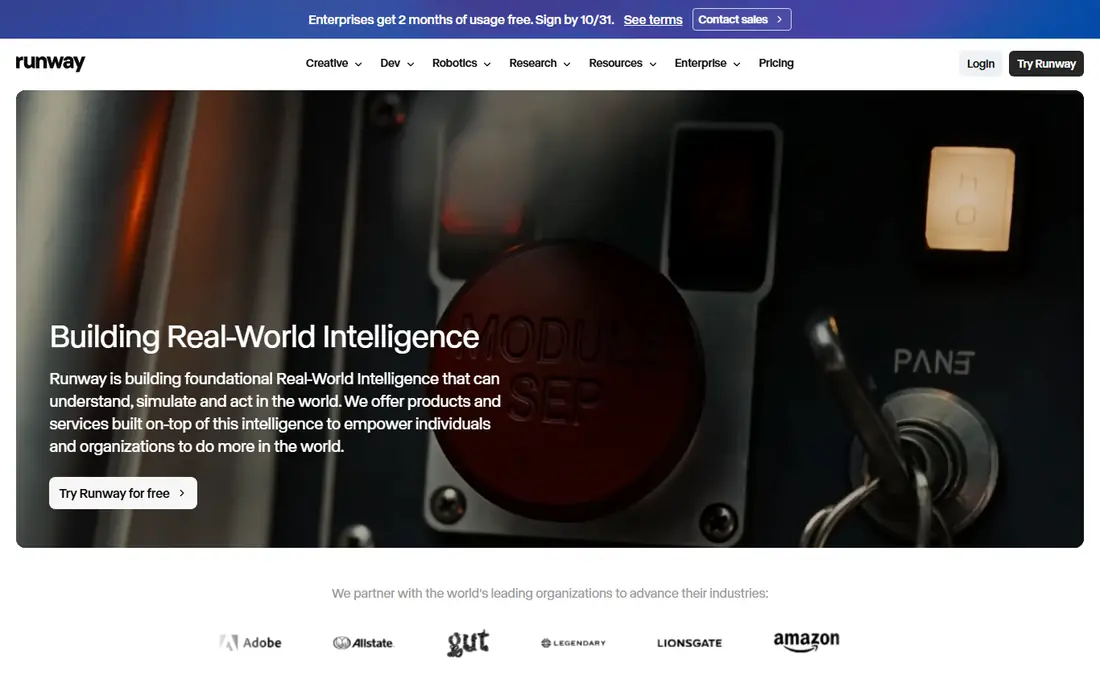
Runway has been a leader in AI video for years, and it keeps a strong lineup. Its pricing page lists its own Gen-4.5 and Aleph 2.0 models alongside Seedance 2.0 models and Kling 3.0, so you can try several engines under one subscription.
Paid plans are Standard at $15 a month ($12 billed yearly), Pro at $35 ($28 yearly) and Max at $95 ($76 yearly). The free plan gives 125 credits once, which do not expire, and that is enough to test a few short clips.
It fits filmmakers, marketers and social creators who want generation and editing in one place. The catch is credits: high-quality clips use them quickly, so budget for a higher plan if you plan to generate daily.
- Own Gen-4.5 and Aleph models plus partner models
- Low paid entry price
- Mobile app available
- Free plan is 125 one-time credits
- Heavy users will need Pro or Max
Google Gemini and Flow
Great for: Short clips with sound for Google AI subscribers
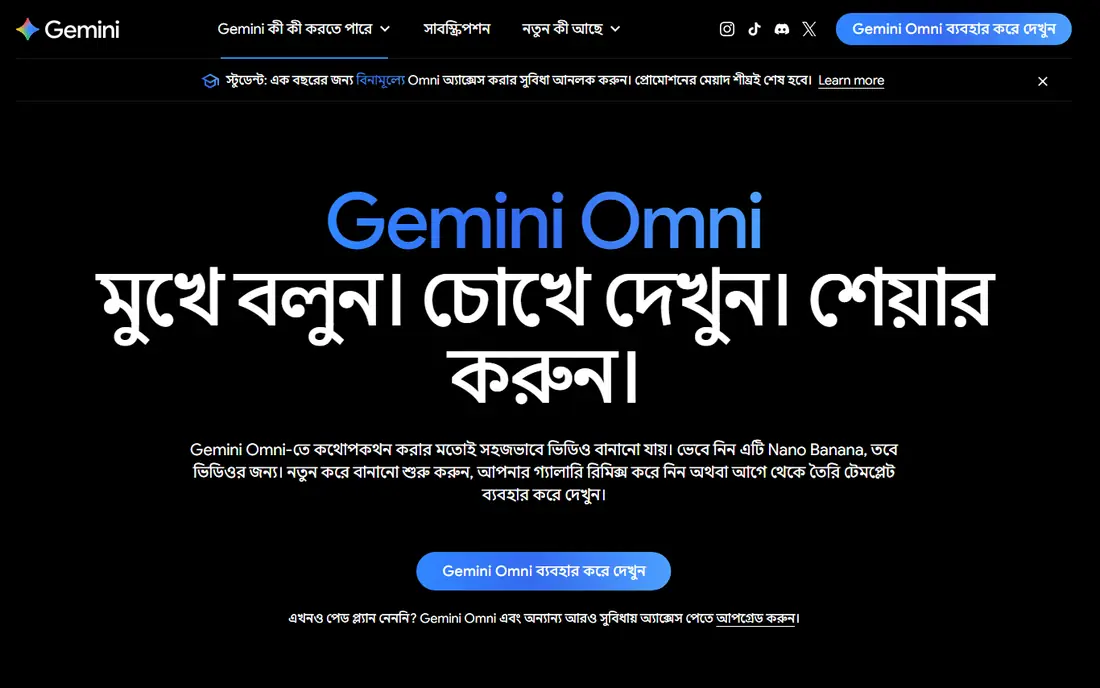
Google's video generation lives in two places: the Gemini app and Flow, Google's AI creative studio. Google says Gemini Omni 1.1 Flash has replaced Veo 3.1 in the Gemini app, generating clips up to 10 seconds with native audio, and you can use up to five photos as references.
A Google AI subscription is required, and features vary by tier and region. Google's plans page lists Flow credits with paid plans (200 on AI Plus, 1,000 on AI Pro and 10,000 or more on AI Ultra). We could not confirm US prices from our location, so check Google's site for your price.
Every Gemini video carries an invisible SynthID watermark, which is a good transparency step. The limits are clip length and the need for a subscription, and Google says the service is for users over 18.
- Native audio in generated clips
- Invisible SynthID watermark on every video
- Flow studio included with paid Google AI plans
- Clips up to 10 seconds in the Gemini app
- Needs a paid Google AI subscription
- Users must be 18+
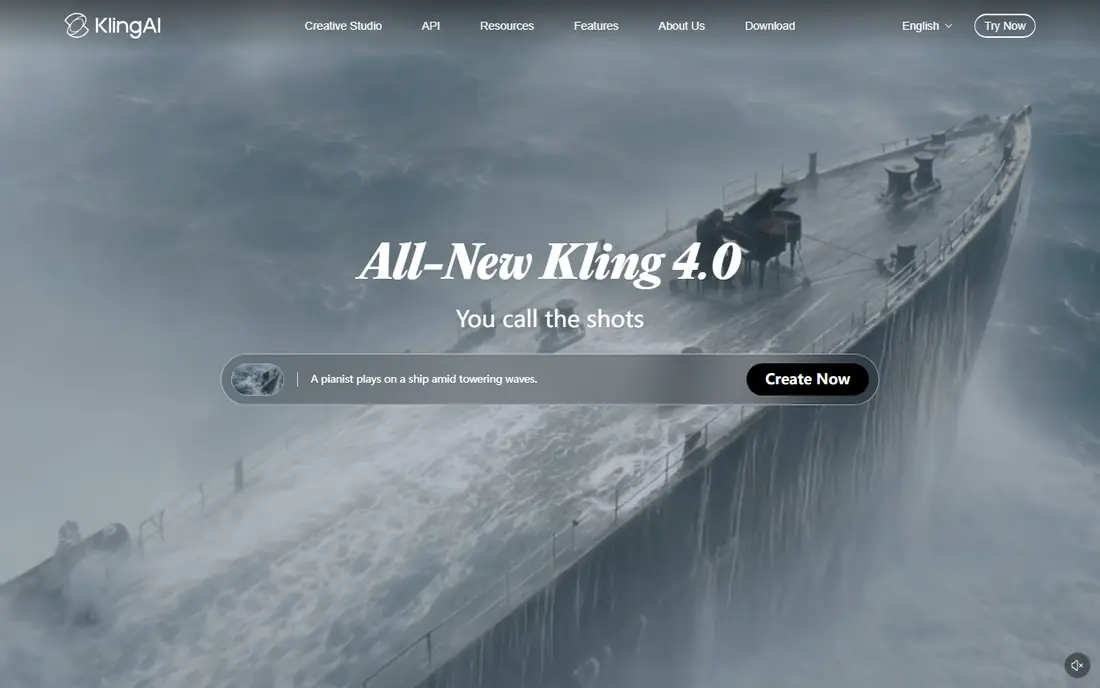
Kling AI comes from the Chinese tech company Kuaishou and is known for realistic motion. Its site announces Kling 4.0, and its App Store listing says it can create videos up to 15 seconds in native 1080p or 4K, then extend them to as long as 3 minutes.
On the US App Store, Kling lists a Standard plan at $10 a month, Pro at $37 and Premier at $92, plus credit packs from $5. It has a 4.7-star rating from about 31,800 ratings.
It suits creators who need longer shots than most rivals offer. We could not load plan details on Kling's website, so compare in-app prices and read the privacy policy before uploading personal photos.
- Clips up to 15 seconds in 1080p or 4K
- Video extension up to 3 minutes
- Credit packs as well as plans
- Membership prices are not shown on the public web page we checked
- Developed outside the US, so review data policies

Luma built its name with Dream Machine and its Ray video models. Its current pricing page lists Plus at $30 a month ($25 billed yearly) with 10,000 credits, Pro at $90 and Ultra at $300, along with access to third-party image and video models.
The credit math is clear. Ray3.2 costs 400 credits for 5 seconds of 1080p text-to-video, which means the Plus plan covers roughly 25 such clips a month. Commercial use is included from Plus, and business plans add SSO and shared credits.
The downside is the lack of a free plan on the pricing page, so you pay to try it. Luma is also pushing "agents" for creative work, which may be more than someone who just wants a quick clip needs.
- Own Ray3 models and third-party models under one plan
- Commercial use included from Plus
- Team plans with SSO
- No free plan listed
- Higher entry price than Runway or Pika
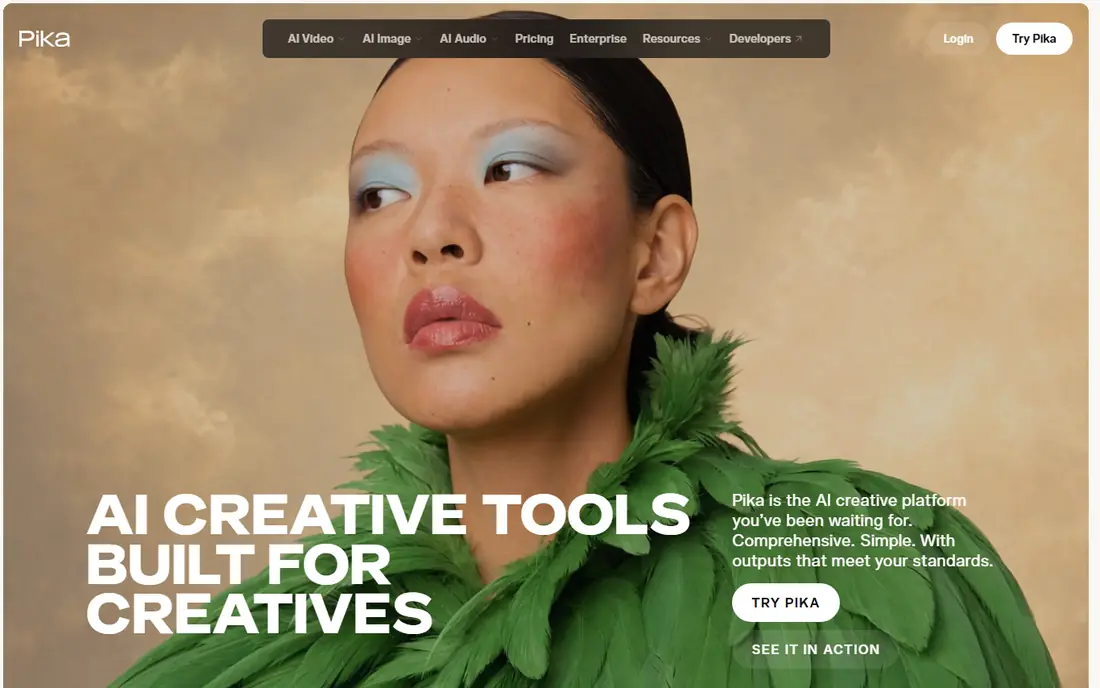
Pika started as a playful video generator and now works more like a model hub. Its pricing page lists video models including Pika 2.5, Pikaframes, Seedance 2.5, MiniMax H3, Wan 3.0 and Gemini Omni 1.1 Flash, and says every plan includes all models.
Starter costs $10 a month with 900 credits, Creator $35 with 3,150 credits, and Fancy starts at $95. Paid plans include a commercial license and no watermark.
The free plan is unusual: it has access to all models but zero monthly credits, so you buy credit packs to use it, and there is no commercial license. It is best for hobbyists and social creators who want variety at a low price.
- Starter plan at $10 a month ($8 yearly)
- Every plan includes all models
- No watermark even on free
- Free plan has no monthly credits and no commercial license
- Model lineup changes often
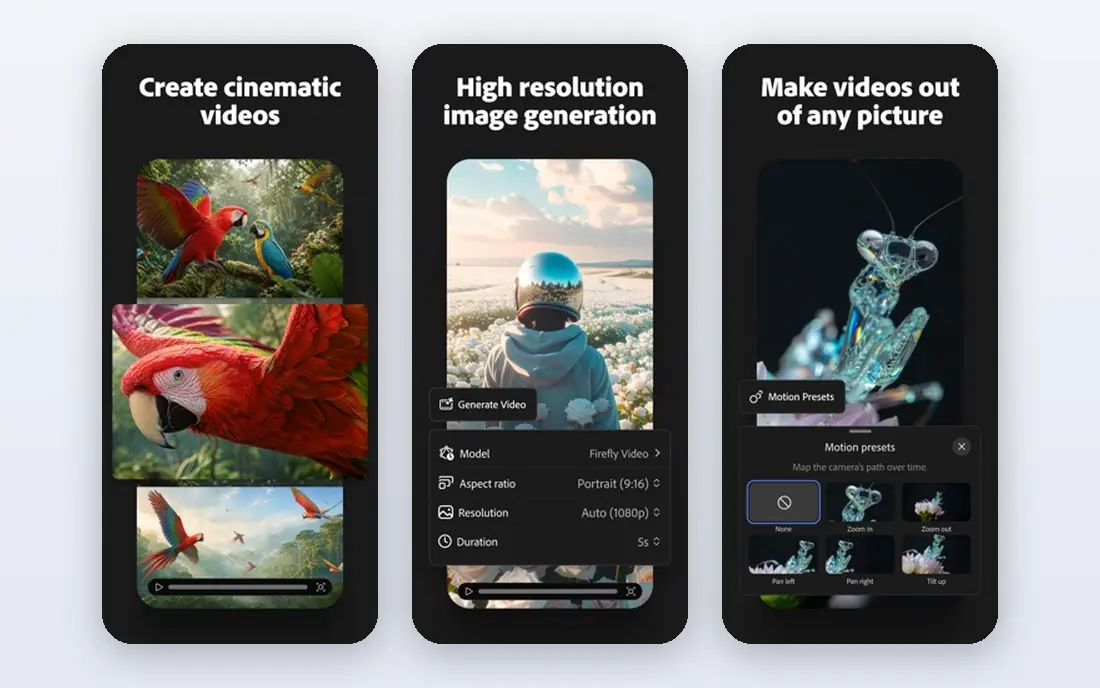
Firefly is Adobe's generative AI app, and it now includes video. The plans page we saw offers free daily generations across image, video and audio, with access to models such as Nano Banana and Luma Ray3.14.
Paid tiers are Standard, Pro, Pro Plus and Premium, with 2,000 to 50,000 generative credits a month. Partner models are included on paid plans, while unlimited use of Adobe's own Firefly Video model was listed only on Premium. Prices were shown to us in euros, so check the US price on Adobe's site.
It is the natural pick if you already edit in Premiere Pro or Photoshop. For pure text-to-video quality, though, you are often using the same partner models you could get elsewhere.
- Free daily generations for image, video and audio
- Partner models such as Luma Ray3.14 on paid plans
- Fits Adobe workflows
- Prices vary by region
- Unlimited Firefly Video model use only on the top plan
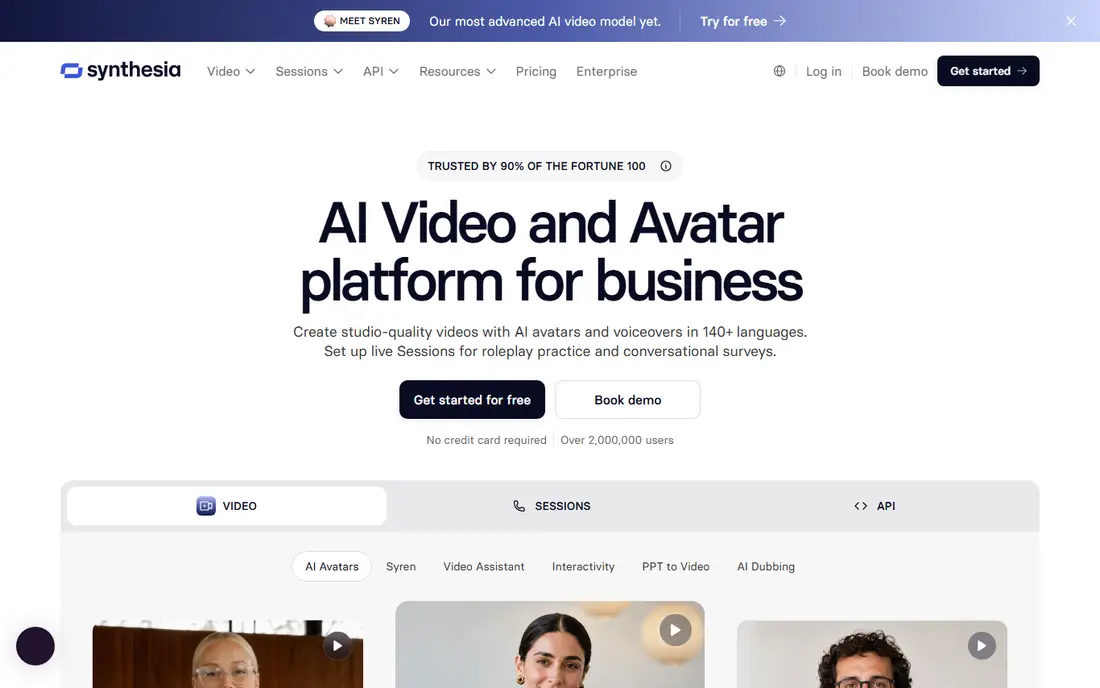
Synthesia turns a script into a video with a realistic AI presenter, which is ideal for training, onboarding and how-to content. The free Basic plan gives 10 minutes of video or dubbing a month, 9 avatars and 500 credits, with a watermark.
Starter costs $29 a month ($18 billed yearly) with 125+ avatars, and Pro costs $89 ($64 yearly) with 180+ avatars. All plans list 140+ languages and voices, and Enterprise has 240+ stock avatars.
The trade-off is style. Synthesia makes presenter videos, not dreamlike or cinematic scenes. We also noticed its pricing page lists two different credit totals for Starter, so confirm your allowance before upgrading.
- Free Basic plan with 10 minutes of video a month
- 140+ languages and voices
- 125+ avatars from Starter
- Free videos carry a watermark
- Not for cinematic scenes
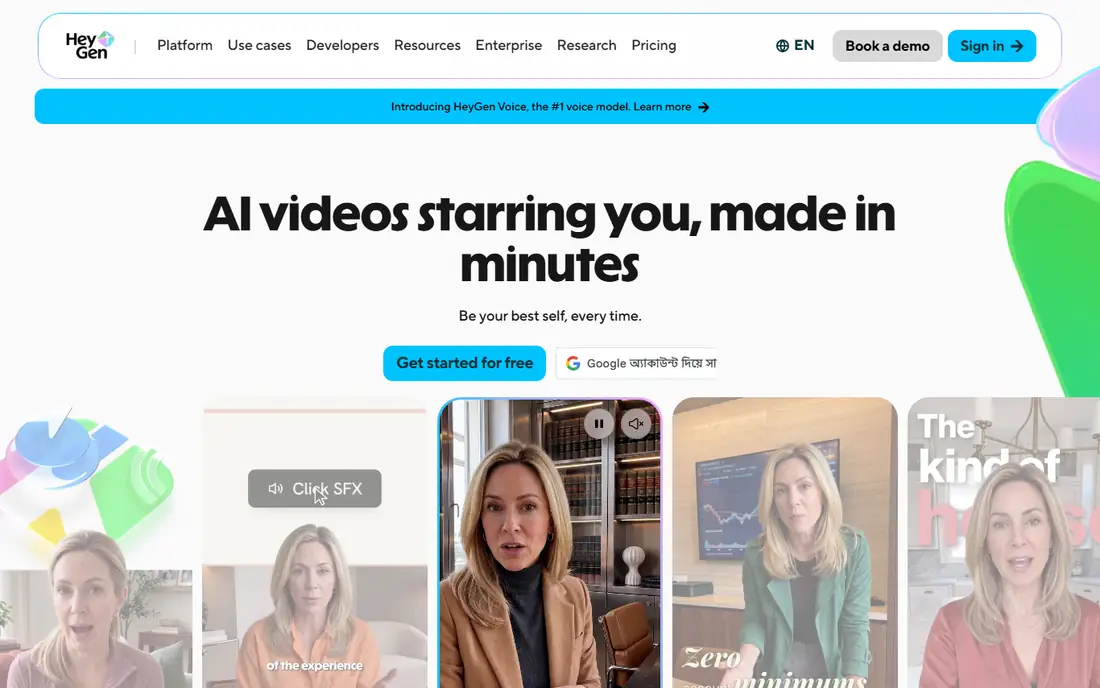
HeyGen is Synthesia's closest rival and leans more toward marketers and creators. Paid plans include translation into 175+ languages and dialects, and you can create a custom avatar with your own face and voice.
The free plan allows up to 3 videos a month, each up to one minute, with a watermark. Creator costs $29 a month ($24 billed yearly), Pro $49 and Business $149 plus $20 per extra seat.
A note on safety: only create avatars of yourself or people who have given clear consent, and label AI-generated people when you publish. The free tier is great for a test, but serious use needs a paid plan.
- 700+ stock avatars and custom avatars of yourself
- Translation into 175+ languages and dialects on paid plans
- Free plan needs no credit card
- Free plan is limited to 3 one-minute videos a month with a watermark
- Business plan gets expensive with extra seats
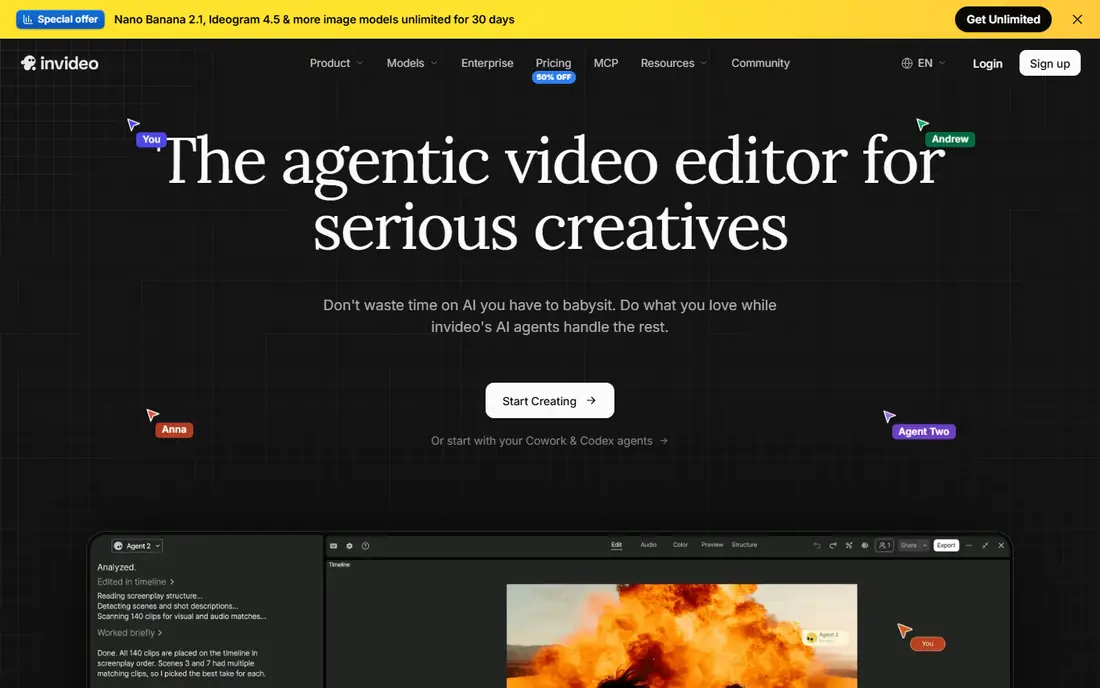
InVideo AI is for people who want a finished video, not just a clip. You describe what you want, and its AI agents build the script, scenes, voiceover and edit for you, which you can then adjust.
Basic costs $9 a month with 190 credits, Pro $30 a month ($15 billed yearly) and Ultra $80 ($40 yearly). Pro adds Seedance 2.5 at 1080p and Seedance 2.0 at 4K, plus 10 free guest seats.
The weak spots are the missing free plan and some messy pricing details: the page we checked listed the yearly Basic price as both $4 and $5 a month. Basic also restricts you to lighter models, so most serious users will need Pro.
- Creates full videos with script, voiceover and edits from one prompt
- Low Basic price
- Guest seats on Pro and Ultra
- No free plan listed
- Best Seedance models only on Pro and above
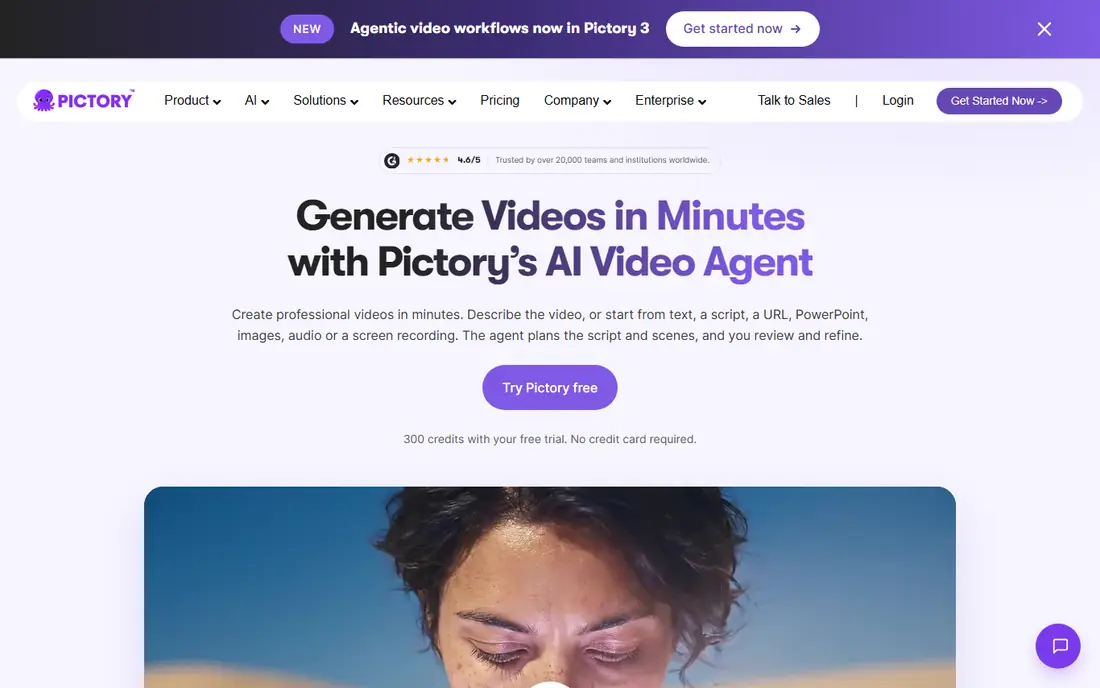
Pictory is built for repurposing content. Paste a script, blog post URL or PowerPoint and it assembles a video with stock visuals, captions and AI voiceover, which is handy for marketers and course creators.
Starter costs $29 a month ($25 billed yearly), Professional $59 ($35 yearly) and Teams $199 ($119 yearly). The 14-day trial includes 300 credits, up to 3 videos and 720p exports with a watermark.
It is not the tool for original cinematic footage. Its strength is speed: turning written content you already have into shareable videos without editing skills.
- Script, URL, blog and PowerPoint to video
- 14-day free trial with 300 credits
- Up to 30-minute videos on paid plans
- Trial exports are 720p with a watermark
- Uses stock footage more than generated scenes
How we picked these
We compared each service's official pricing page and product pages in October 2026, plus App Store listings where prices were not shown on the web. Where a page showed regional prices we could not confirm for the US, we wrote "See website" instead of guessing. We did not generate test videos for this article.
We included the leading prompt-to-footage generators and the most used script-to-video and avatar tools, and we favored services with clear pricing, commercial use terms and transparency features such as watermarking.
How to pick the right AI video tool
Decide what kind of video you need
For short creative or cinematic clips, look at Runway, Kling AI, Google Flow, Luma and Pika. For presenter-led business videos, choose Synthesia or HeyGen. For quick social or marketing videos from a script or article, InVideo AI and Pictory are faster.
Do the credit math
Most tools charge in credits, and high-resolution or longer clips cost more. Work out how many seconds of finished video you need per month, then check the credit cost per clip on the pricing page.
Check commercial rights and watermarks
Some free plans remove commercial rights (Pika) or add watermarks (Synthesia, HeyGen, Pictory). If you will use videos in ads or client work, make sure your plan includes a commercial license.
Use AI video responsibly
Never create videos of real people without their consent, and label AI-generated content where platforms or laws require it. Tools with built-in watermarking, like Google's SynthID, make it easier to stay transparent.
Frequently asked questions
What is the best AI text to video service online?
For most creators we would start with Runway, because it offers strong in-house models plus partner models from $15 a month. If you want presenter videos instead, Synthesia or HeyGen is the better choice.
Is there a free AI video generator?
Yes, with limits. Runway gives 125 one-time credits, Synthesia offers 10 minutes a month with a watermark, HeyGen allows 3 one-minute videos a month and Adobe Firefly offers free daily generations.
What is the best AI video generator app for phones?
Runway and Kling AI both have App Store apps, and Kling's iPhone app holds a 4.7-star rating from about 31,800 ratings. Google's video generation is available in the Gemini app for paid Google AI subscribers.
What is the best AI video creation tool for business?
Synthesia and HeyGen are built for business training, onboarding and sales videos, with avatars and translation. Pictory and InVideo AI are good for turning existing articles and scripts into marketing videos.
Can I use AI-generated videos commercially?
Usually, on paid plans. Luma (from Plus) and Pika's paid plans state commercial use, while Pika's free plan does not include a commercial license. Always read the terms of the plan you choose.
Sources
- https://runway.com/pricing
- https://gemini.google/overview/video-generation/
- https://gemini.google/subscriptions/
- https://kling.ai/
- https://apps.apple.com/us/app/id6738049229
- https://lumalabs.ai/pricing
- https://pika.art/pricing
- https://www.adobe.com/products/firefly/plans.html
- https://www.synthesia.io/pricing
- https://www.heygen.com/pricing
- https://invideo.io/pricing
- https://pictory.ai/pricing
See where you really rank - block by block
ProMapRanker scans Google Maps across a grid of your service area. Simple monthly plans from $19, white-label on every plan.
Start freeKeep reading
 philippines best loan apps
Philippines Best Loan Apps in 2026
The Philippines best loan apps for 2026, compared on SEC or BSP registration, loan limits, monthly rates and fees, from GCash GLoan and Maya to Tala and BillEase.
Read → best secret management tools enterprise devsecops
Best Secret Management Tools for Enterprise DevSecOps in 2026
The best secret management tools for enterprise DevSecOps in 2026, compared on pricing, free tiers, rotation, dynamic secrets and self-hosting, from Vault to Infisical.
Read → best png to svg free tool
Best PNG to SVG Free Tool in 2026
Looking for the best PNG to SVG free tool? We compared 7 free converters in 2026, from Inkscape and SVGcode to Adobe Express, on tracing quality, limits and privacy.
Read →