 ProMapRanker
Best AI Image to Video Tools in 2026: 7 Tools Compared


Creators who want one polished workspace · Pricing starts at: $15 per month ($12 billed annually)
Key takeaways
- Runway has the clearest entry pricing: its pricing page lists a free plan with 125 one-time credits, then Standard at $15 per month (or $12 billed annually) with 625 credits.
- Luma's pricing page starts at $30 per month for Plus (10,000 credits, commercial use), and it did not list a free plan when we checked.
- Pika is the cheapest paid entry we could verify at $10 per month for Starter (900 credits), and its page shows how many credits a clip costs, which makes planning easy.
- Adobe Firefly and Google Flow suit people who already pay for Adobe or Google, because credits come bundled with plans you may have.
- Credits, not clips, are the real unit of cost. Plan credits at Pika and Adobe reset each month and do not roll over, so unused ones are lost.
Quick comparison
| Pick | Great for | Pricing starts at | Free tier | |
|---|---|---|---|---|
| Runway | Creators who want one polished workspace | $15 per month ($12 billed annually) | Yes (125 one-time credits) | Visit |
 Luma Dream Machine Luma Dream Machine | Cinematic motion and commercial work | $30 per month | No | Visit |
 Pika Pika | Budget-friendly short clips | $10 per month ($8 billed annually) | Yes (no monthly credits) | Visit |
 Google Flow Google Flow | People in the Google ecosystem | See website | Free trial | Visit |
 Adobe Firefly Adobe Firefly | Adobe users who need commercially safe outputs | See website | Yes (daily generations) | Visit |
 Kling AI Kling AI | Trying a newer model with daily free credits | See website | Yes (free daily credits) | Visit |
 Hailuo AI Hailuo AI | Quick template-style photo animations | See website | See website | Visit |
The best AI image to video tools
All seven tools below take a still image and turn it into a short moving clip. They differ in price, how credits work, how much control you get and who owns the rights to the result. Prices were taken from each company's own pages in October 2026, and AI video pricing changes quickly, so check the live page before you subscribe.
One practical note: only upload images you own or have permission to animate, and read each tool's terms on commercial use before you publish anything for a client.
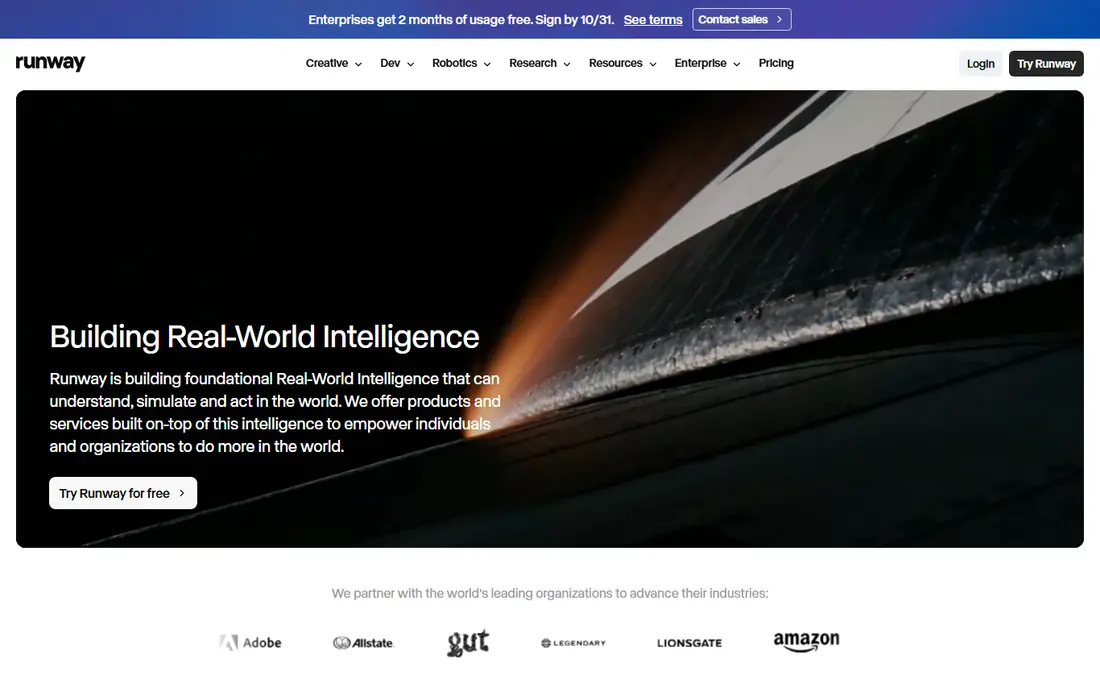
Runway is the name most people think of first for AI video, and its pricing page is easy to read. The free plan gives 125 credits one time, so it works as a short trial rather than a monthly allowance. Standard costs $15 per month (or $12 per month billed annually) with 625 credits, Pro is $35 ($28 annual) with 2,250 credits, and Max is $95 ($76 annual) with 9,500 credits.
The page says Standard includes all of Runway's AI video and image models and states that its output has no watermarks. Pro adds the Topaz AI Upscale and what Runway calls unlimited Seedance 2.5, while Max adds early access to new models. That unlimited label is Runway's wording, so read its terms for the fine print.
The catch is that credits run out fast when you re-generate to get the motion right. The page we read does not mention commercial use, so if you are making ads for clients, check the terms of service first.
- Clear plan ladder from free to Max
- Paid plans include all of its video and image models
- Standard is listed as watermark-free
- The free credits are one-time, not monthly
- The page gives little detail on commercial-use terms

Luma is built around its Ray video models, and its pricing page lists Ray3.2 and Ray3.14 for video, priced by resolution from a draft setting up to 1080p. As an example, Ray3.14 text-to-video is listed at 20 credits per second at 720p and 80 credits per second at 1080p. Image-to-video costs may differ, so look at the cost shown before you generate.
The individual plans are Plus at $30 per month ($25 billed annually, 10,000 credits), Pro at $90 ($75 annual, 40,000 credits) and Ultra at $300 ($250 annual, 150,000 credits). Plus includes commercial use, Luma and third-party models, and guest edit access. Team and Enterprise are sold through sales.
Luma suits people who care about smooth, film-like motion and want the license clarity on the first paid plan. The downside is the entry price. At $30, it costs twice what Runway's Standard does and three times Pika's Starter, and the page we read showed no free tier for testing.
- Plus plan states commercial use
- Clear per-second credit costs
- Access to Luma's own Ray models plus third-party models
- No free plan on the pricing page we read
- Fewer cheap entry tiers than Runway or Pika

Pika is the cheapest paid starting point we could confirm, and it publishes unusually clear numbers. Starter is $10 per month ($8 billed annually) with 900 credits, Creator is $35 ($28 annual) with 3,150 credits, and Fancy is $95 ($76 annual) with 8,550 or more. All paid plans list a commercial license, and Fancy adds a priority queue.
The credit table shows why model choice matters. A five-second 720p clip costs 122 credits on Seedance 2.5 and 33 credits on Wan 3.0. By our math, Starter's 900 credits cover roughly seven Seedance 2.5 clips or about 27 Wan 3.0 clips, so the cheaper model stretches your plan much further. Extra credit packs start at $25 for 1,500 credits and expire after 365 days.
There are catches. The free plan lists zero monthly credits, so it is a way to look around rather than a free allowance. Pika's FAQ says payments are non-refundable, and the plan credits you do not use disappear at the end of the billing period.
- Lowest verified paid entry price
- Credit cost per clip is published
- Commercial license on every paid plan
- The free plan has no monthly credits and works through credit packs only
- Plan credits do not roll over
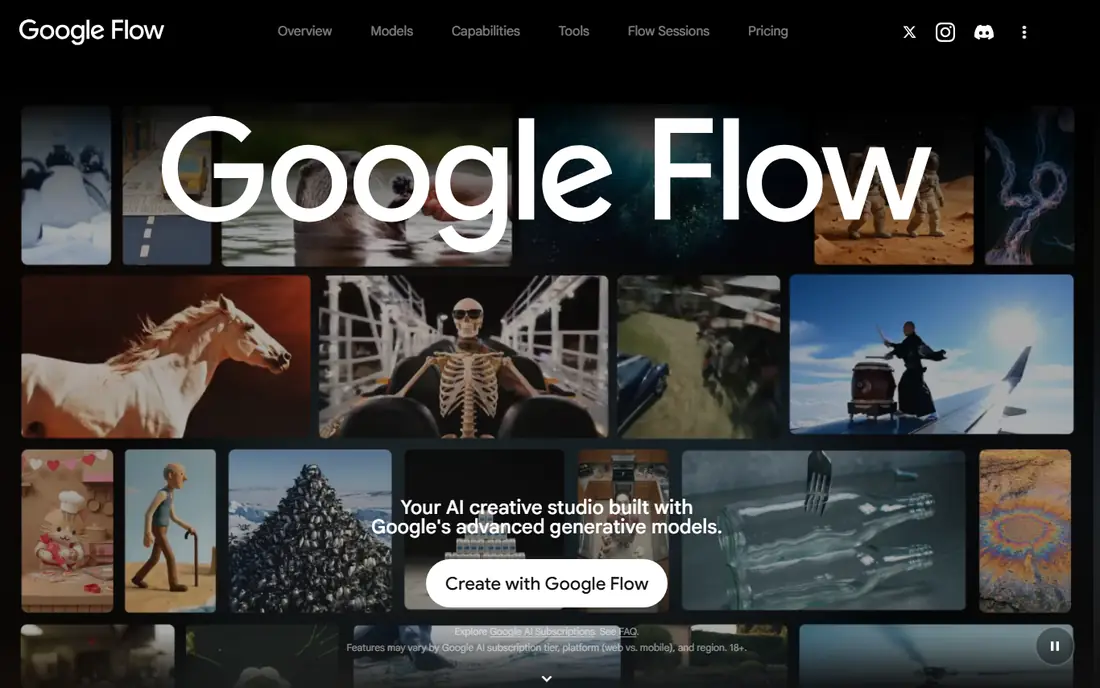
Flow is Google's creative studio for video and images, and the title of its page calls it an "AI Creative Studio for Video, Images & Custom Tools." Its video features come with Google's AI subscriptions rather than a separate Flow bill, which is convenient if you already pay for one.
Google's plans page lists monthly Flow credits by tier: 200 for Plus, 1,000 for Pro, 10,000 for Ultra 5x and 25,000 for Ultra 20x. The same page says Pro and Ultra include Veo 3 photo-to-video inside Google Photos, but only in the US, and it links a free trial. The USD plan prices were not legible on the version we could open, and our sources disagreed, so we have not quoted any.
Flow suits people who want a few clips a month along with other Google AI tools such as Gemini and storage. The honest catch is clarity. The Flow pages we could open said little about how image-to-video works step by step, so test a trial before committing.
- Credits are bundled into Google AI plans
- Higher tiers carry large monthly credit counts
- Pro and Ultra include photo-to-video in Google Photos (US only)
- Plan prices were not readable on the pages we opened
- Google's descriptions of Flow are thin
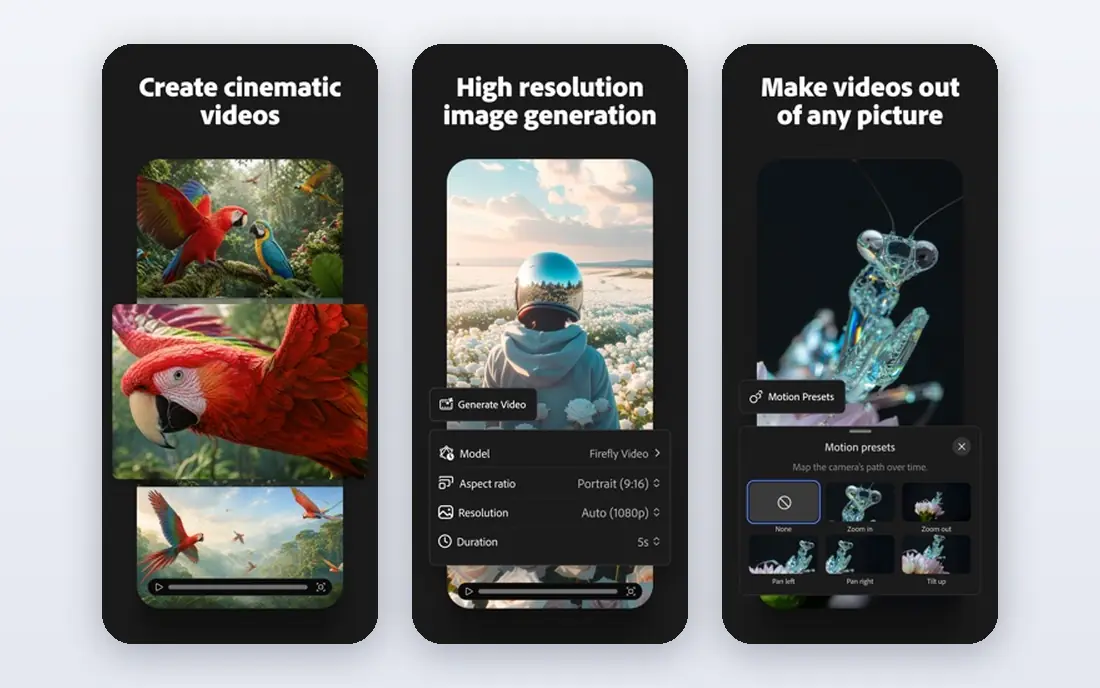
Firefly is the natural pick if your team already works in Adobe apps. Its plans page lists a free tier with daily generations and four paid individual tiers that spell out what you get in video terms. Standard has 2,000 generative credits and up to 20 five-second videos, Pro has 4,000 and up to 40, Pro Plus has 10,000 and up to 100, and Premium has 50,000 with unlimited use of the Firefly Video Model.
The page lists partner models such as Luma Ray3.14 and Nano Banana alongside Adobe's own models. Adobe's FAQ says outputs from Firefly models can be used for commercial purposes, and it says you are responsible for judging whether content from partner models suits your project. That split is worth reading closely before client work.
The pricing page we reached showed amounts in Colombian pesos rather than dollars, so we cannot give a USD price and write See website. Also note that credits reset monthly and do not roll over. If you are not already in Adobe's ecosystem, Runway or Pika may feel simpler.
- Clear video allowances per plan
- Firefly outputs are described as usable commercially
- Ties in with Adobe Express and Photoshop
- Prices in USD were not visible on our check
- Credits reset monthly and do not roll over
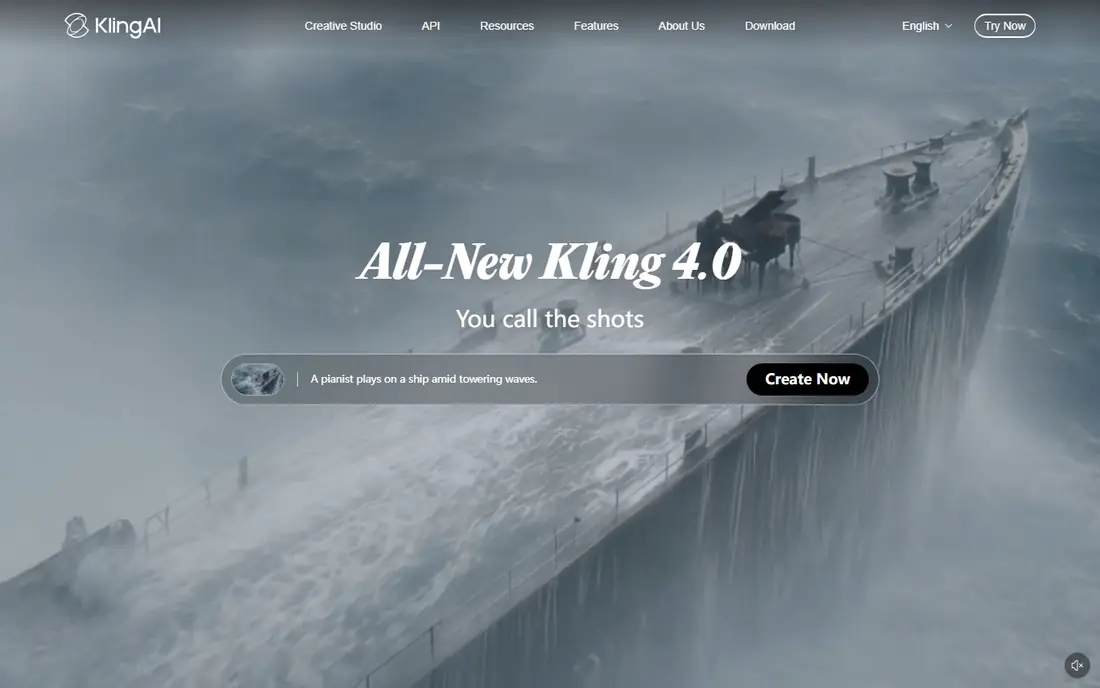
Kling AI is a video and image generator that lists several model generations. Its homepage names Kling 4.0 as the newest release and lists Image to Video among its features, along with an image model called Kling Image 3.0.
The membership page lists Standard, Pro and Premier tiers priced monthly in US dollars and mentions credits and free daily credits. The dollar amounts did not appear in the text we could read, and third-party guides disagree on them, so we are not quoting any. The separate pricing page we found is for developers using the API, not for regular members.
Kling is worth a try when you want to compare results with Runway or Luma without paying first. The honest warning is on cost: with prices unclear in our check, look at the plan page, the credits per clip and any introductory discount before you subscribe, since first-month offers often differ from renewal rates.
- Image to Video is a listed feature
- Membership page mentions free daily credits
- Several model generations listed
- Plan prices were not visible on the pages we opened
- The developer pricing page is for API users
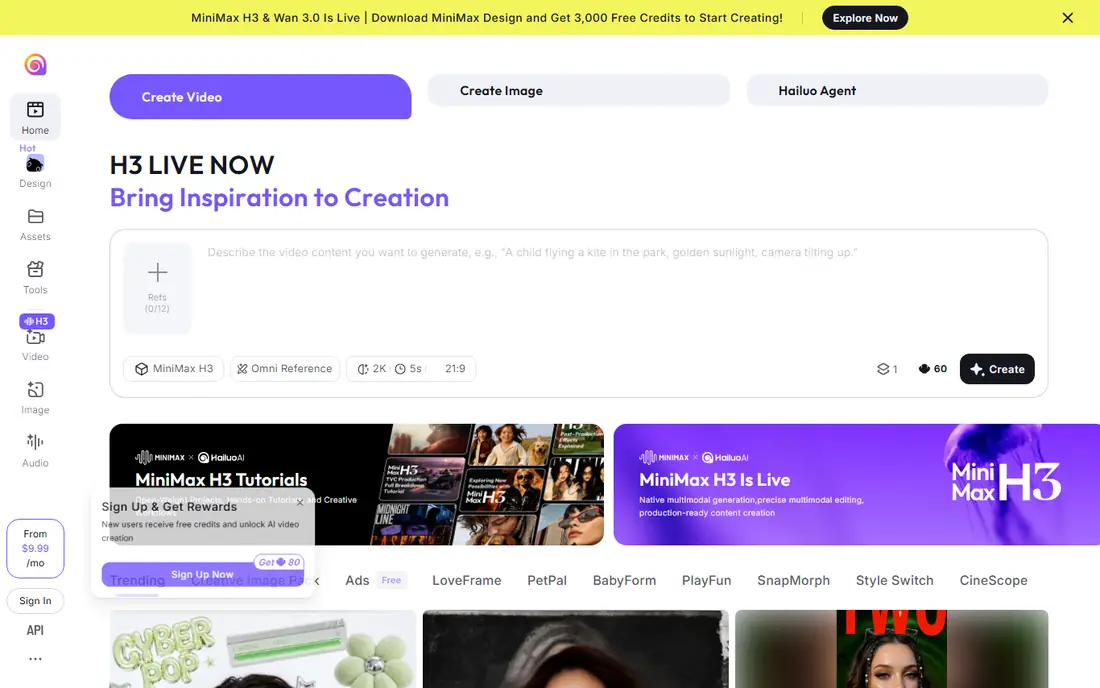
Hailuo AI is the consumer site for MiniMax's video models. Its homepage announces a model called H3, which it describes as native multimodal generation and editing. It has an image-to-video creation page and a long list of templates that ask you to upload a photo and produce a short animated clip.
That template approach is handy when you just want a fun result fast, such as animating a family photo or a product picture. The site shows a Subscribe link and a "From" price, but the amount and the plan tiers did not appear in the text we could read, and the page did not mention free credits.
Because we could not confirm price, credit limits or commercial terms, we place Hailuo lower on this list than tools with published numbers. It is worth testing for style, but check the pricing page and terms before using results for anything you plan to sell.
- Dedicated image-to-video page
- Many templates that start from an uploaded photo
- Covers both video and images
- Pricing and free credits were not shown on the page we read
- Fewer public details on commercial terms
How we picked these
We compared the official pricing pages, product pages and plan tables of each tool, and we only quote numbers that appear there. When a page did not load, showed prices in another currency, or hid amounts behind a script, we wrote See website instead of repeating a figure from a blog. We did not run side-by-side tests, so we make no claims about which tool produces the best-looking motion.
We chose tools that have a clear image-to-video feature and a way to try or pay for it, and we mixed established names with newer ones. We also looked at how each company describes commercial use, because that matters if you make videos for a business.
How to choose an image to video tool
Start with the job. A fun one-off clip needs a different tool than a weekly batch of client videos.
Work out the real cost per clip
Divide the monthly credits by the credits a clip costs. Pika publishes this clearly: 900 credits is about seven Seedance 2.5 clips at 5 seconds and 720p. Runway, Luma and Adobe use credits too, so check the cost shown before you press generate.
Check commercial rights
Luma's Plus plan lists commercial use, Pika lists a commercial license on paid plans, and Adobe says Firefly model outputs can be used commercially. Runway's page did not say, so read its terms. Free plans often come with extra limits.
Plan for retries
Your first result is rarely the keeper. Budget for at least three tries per final clip, and keep your source image sharp, with a clear subject and simple background, which usually gives steadier motion.
Watch for lock-in
Credits that do not roll over, non-refundable payments and first-month discounts can all cost you. Start on a monthly plan, not an annual one, until you know the tool fits.
Frequently asked questions
What is the best AI image to video tool?
There is no single winner for everyone. Runway is the clearest all-round option on pricing, Luma suits commercial work with a first paid plan at $30 per month, and Pika is the cheapest verified paid entry at $10 per month. Try the free tiers where they exist.
Are there free AI image to video tools?
Several have free entry points. Runway gives 125 one-time credits, Adobe Firefly offers daily generations, and Kling's membership page mentions free daily credits. Pika has a free plan, but it lists no monthly credits.
Can I use AI-generated videos commercially?
It depends on the tool and the plan. Luma's Plus plan and Pika's paid plans list commercial use, and Adobe says Firefly outputs can be used commercially while partner model content is your responsibility. Read the current terms before publishing for a client.
How long can an AI image to video clip be?
Most tools make short clips. Adobe's plan table is built around five-second videos, and Pika's credit examples use five-second clips. Check each tool for its current maximum length and resolution.
How much do AI video credits cost?
It varies by model and quality. In Pika's table, a five-second 720p clip costs 33 credits on one model and 122 on another. Luma lists Ray3.14 at 20 credits per second at 720p and 80 at 1080p for text-to-video.
Do these tools add watermarks?
Runway states that Standard has no watermarks. For the other tools, we did not find a clear watermark statement on the pages we read, so check the plan details before you export.
Sources
See where you really rank - block by block
ProMapRanker scans Google Maps across a grid of your service area. Simple monthly plans from $19, white-label on every plan.
Start freeKeep reading
 canva alternatives
Best Canva Alternatives in 2026: 8 Design Tools Compared
Looking for Canva alternatives? We compared 8 design tools on current 2026 pricing, free plans and limits, from Adobe Express to VistaCreate and Visme.
Read → best workout tracker app
Best Workout Tracker Apps in 2026: 7 Apps Compared
Looking for the best workout tracker app in 2026? We compared 7 workout log apps on price, free features and ease of use, from Hevy and Strong to Fitbod.
Read → best streaming service for sports
Best Streaming Services for Sports in 2026: 8 Options Compared
Which is the best streaming service for sports? We compared 8 options on October 2026 prices, free trials, local channels and leagues, from ESPN to YouTube TV.
Read →