 ProMapRanker
Best 3D Printing Software in 2026: 9 Programs Compared

Key takeaways
- 3D printing needs two kinds of software: a design program that makes the model, and a slicer that turns it into instructions for your printer. Several tools on this list do only one of those jobs.
- All nine programs have a free way to start, and seven are fully free. Cura, PrusaSlicer, Bambu Studio, OrcaSlicer, Blender and FreeCAD are free and open source, and Tinkercad is free in the browser.
- Autodesk's free Fusion license is for personal, non-commercial use with annual revenue under $1,000. The full paid version costs $85 a month or $680 a year, according to Autodesk's pages.
- Shapr3D's free plan limits you to 2 projects and low-resolution STL and 3MF export. Its Pro plan is $299 per editor seat a year.
- For most beginners, our pick is Tinkercad to design and a free slicer that matches your printer to print.
Quick comparison
| Pick | Great for | Pricing starts at | Free tier | |
|---|---|---|---|---|
 Ultimaker Cura Ultimaker Cura | Slicing for almost any printer | Free | Yes | Visit |
 PrusaSlicer PrusaSlicer | Detailed control and Prusa printers | Free | Yes | Visit |
 Bambu Studio Bambu Studio | Bambu Lab printers | Free | Yes | Visit |
 OrcaSlicer OrcaSlicer | Calibration tools and many printer brands | Free | Yes | Visit |
 Tinkercad Tinkercad | First-time designers | Free | Yes | Visit |
 Autodesk Fusion Autodesk Fusion | Precise parts for hobbyists and makers | See website | Yes (personal use) | Visit |
 Blender Blender | Sculpted and organic models | Free | Yes | Visit |
 FreeCAD FreeCAD | Free parametric design | Free | Yes | Visit |
 Shapr3D Shapr3D | Designing on a tablet or computer | $299 per year (Pro) | Yes | Visit |
The best 3D printing software
A quick map before the list. Cura, PrusaSlicer, Bambu Studio and OrcaSlicer are slicers, which prepare a finished model for printing. Tinkercad, Fusion, Blender, FreeCAD and Shapr3D are design programs that make the model in the first place. Most people end up using one of each.
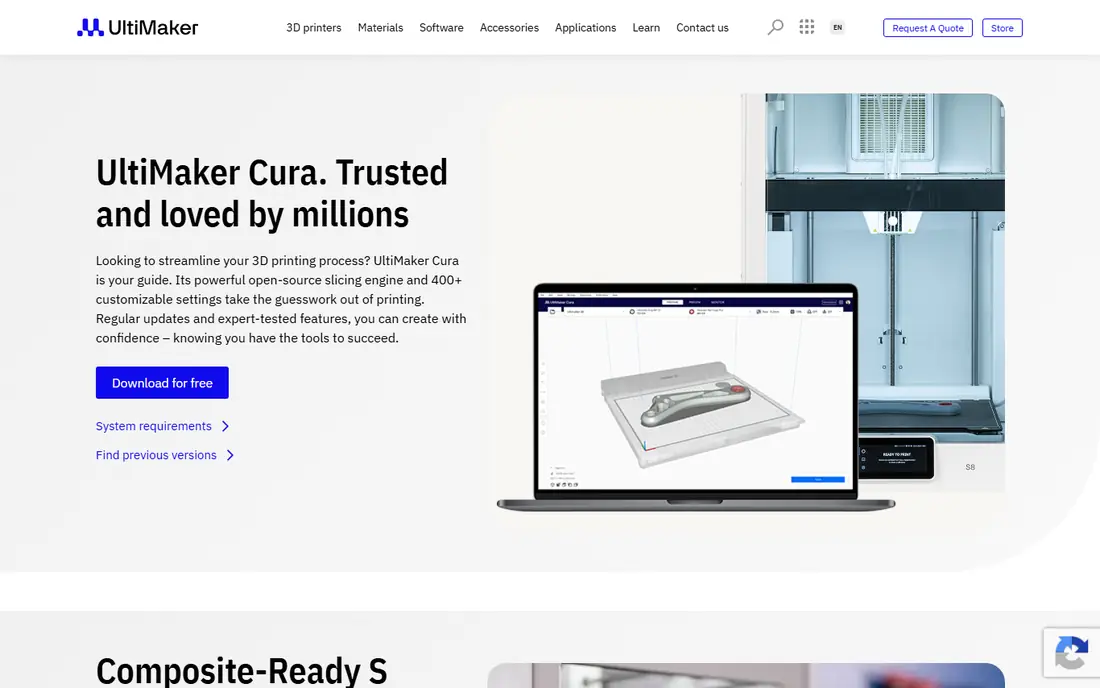
Cura is one of the best-known slicers, and the page describes it as free and open source. It offers recommended profiles for quick starts, plus a Custom mode with over 400 settings for people who want to adjust every detail.
The download page lists Windows, macOS (Intel and Apple Silicon) and Linux builds, with version 5.13 shown when we looked. It also mentions a Marketplace for material profiles and plugins, and input support for STEP and IGES files. An Enterprise edition exists for managed deployment, with two updates a year and 12 months of support.
The catch is that the page says it integrates with all UltiMaker products and does not list other printer brands, so check that your machine has a profile before you commit. Beginners may find the settings list long.
- Free and open source
- Windows, macOS and Linux versions
- Custom mode with over 400 settings
- Printer profiles for non-Ultimaker machines are not listed on the page
- The layout is busy at first
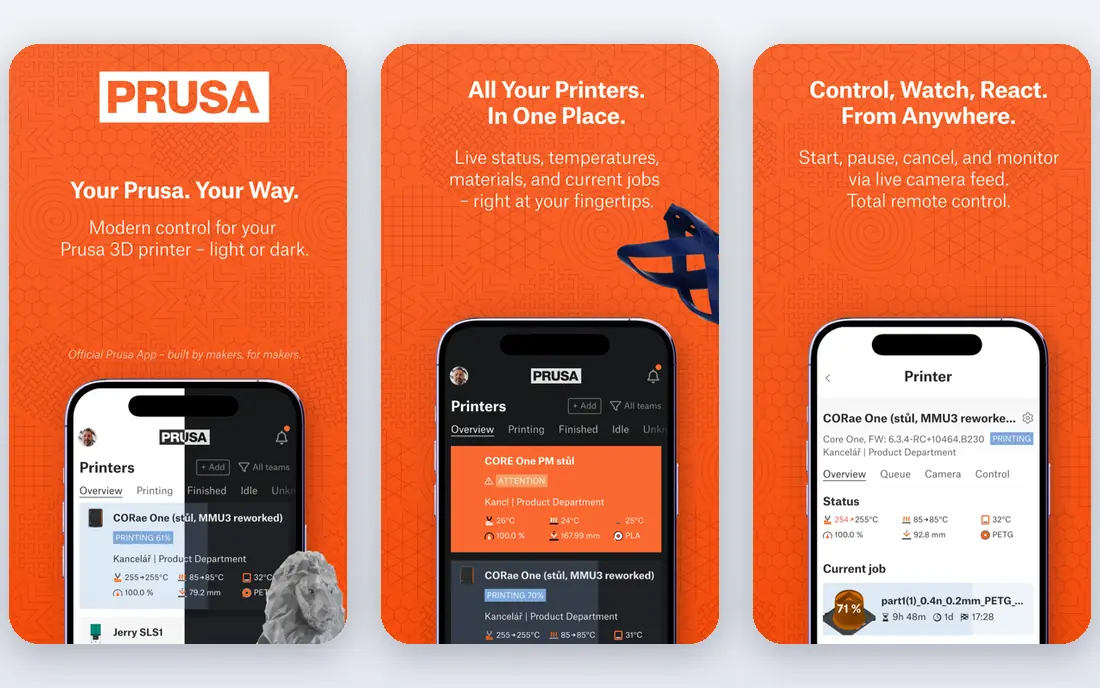
PrusaSlicer is the slicer from Prusa Research, and it works with many printers beyond Prusa's own. Search results for Prusa's page describe it as a free, open-source slicer that does not require an account, and it is licensed under AGPL-3.0.
The same page lists version 2.9.6, released on June 25, 2026, as the current Windows release. Prusa's older product page still mentions 2.7.4, so use the current download page. GitHub also lists a 3.0.0 alpha, which is a first public alpha release and not meant for everyday use.
We could not open Prusa's pages directly because the site blocked our check, so we rely on the project page and GitHub for these facts. If you own a Prusa printer, this is the natural first choice.
- Free and open source with no account needed
- Windows, macOS and Linux
- Regular updates (2.9.6 released June 2026)
- Prusa's older product page is out of date
- A 3.0 alpha exists, which is a development build
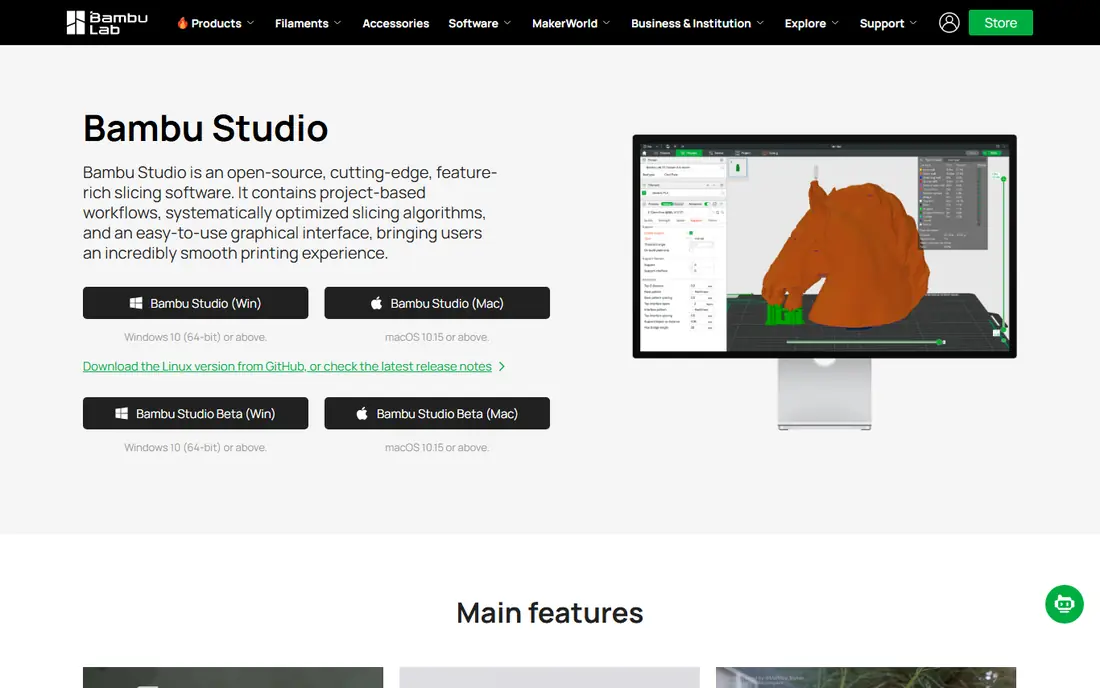
Bambu Studio is the slicer from Bambu Lab, and the GitHub project describes it as PC software for Bambu Lab and other 3D printers. It is released under the AGPL-3.0 license and is based on PrusaSlicer.
Bambu's site lists Windows 10 (64-bit) or later and macOS 10.15 or later. For Linux, the project provides AppImages on GitHub and a Flathub version. If you own a Bambu printer, the software is built around that hardware.
If you own a different brand, there is less reason to pick it. The project's own description centers on Bambu Lab machines, and it does not give a detailed list of other printers it supports.
- Free and open source
- Built for Bambu Lab hardware
- Runs on Windows, macOS and Linux
- Focus is on Bambu Lab printers
- Other brands may work better in OrcaSlicer
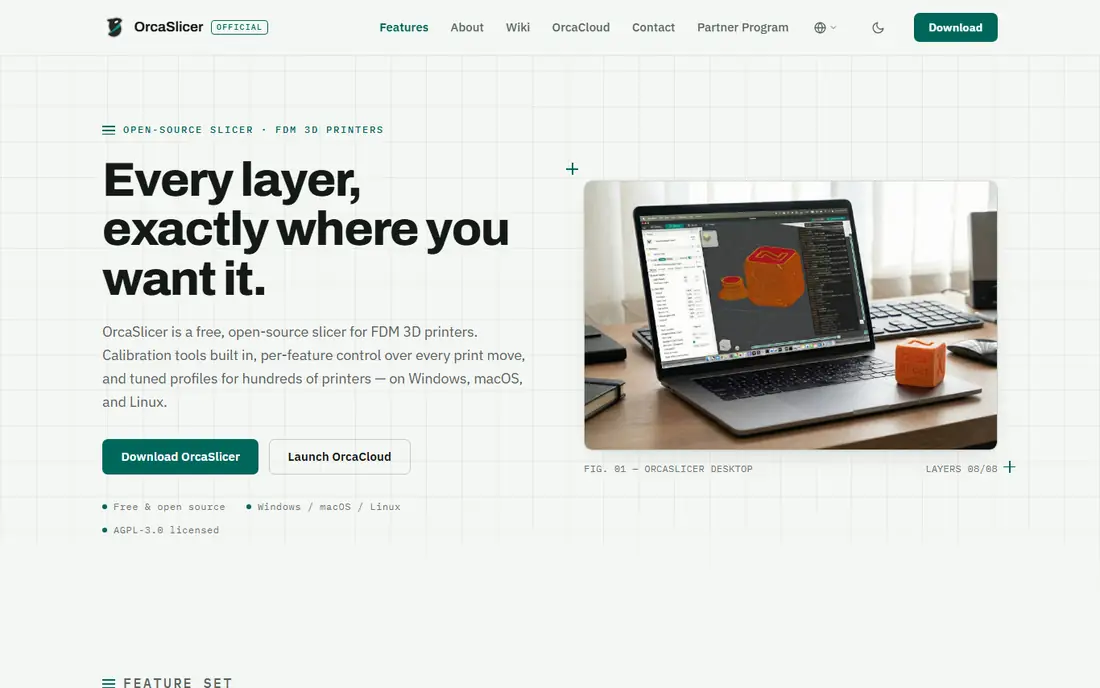
OrcaSlicer is a free, open-source slicer licensed under AGPL-3.0. Its page says there is no account requirement, no telemetry and no lock-in. GitHub describes it as a fork of Bambu Studio.
What stands out are the built-in calibration tests, which the page lists for flow rate, pressure advance, temperature, retraction, tolerance and maximum volumetric speed. It also supports network printing with Klipper, PrusaLink and OctoPrint, and it runs on Windows, macOS and Linux.
The site says profiles cover hundreds of printers, maintained with the community, so check that yours is included. If you want to tune prints carefully or own more than one brand of printer, OrcaSlicer is a strong choice. It does ask more of beginners than Tinkercad does.
- Built-in calibration tests for flow rate, pressure advance and temperature
- Tuned profiles for Bambu Lab, Prusa, Creality and Voron
- No account or telemetry
- Many settings can overwhelm new users
- Printer profiles are community-maintained
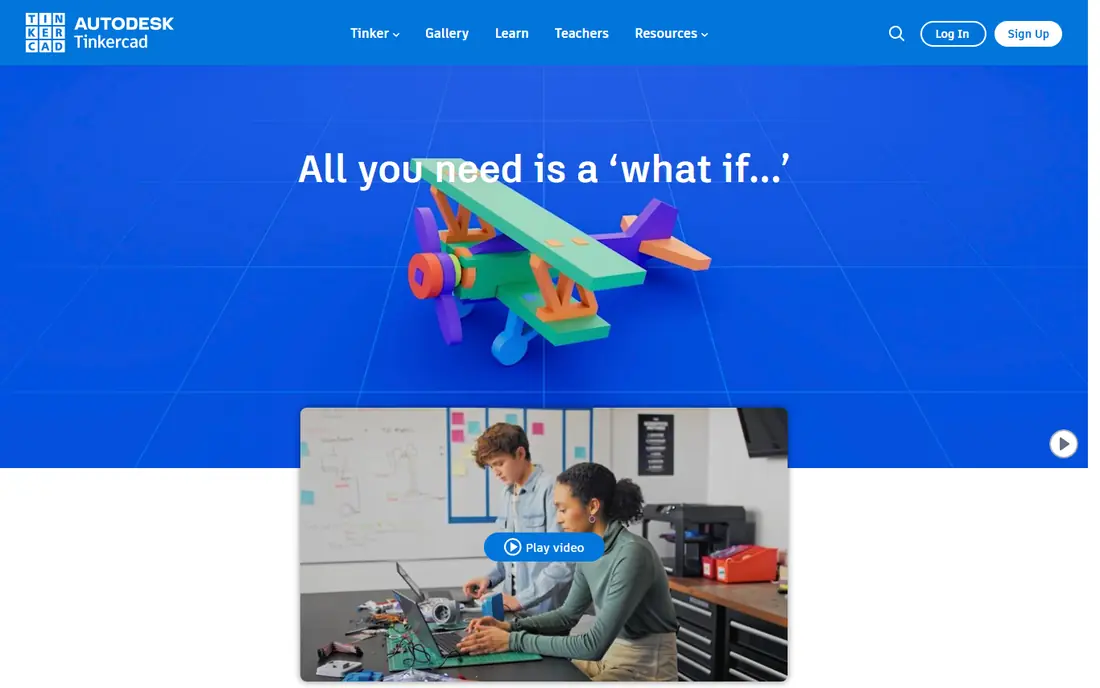
Tinkercad is Autodesk's free web app for 3D design, electronics and coding. It is made of simple shapes that you combine, which is why teachers and beginners like it.
Its help center says you press Export on the top toolbar and choose OBJ, STL or GLTF. It also notes that all shapes are grouped as one part on export. A project guide for printing a bubble wand says to group the shapes and export an STL, which is the file a slicer reads.
Autodesk's own FAQ says Tinkercad suits beginners and education but lacks the advanced features needed for complex designs, and it points people toward Fusion for more advanced work. For brackets, stands, cookie cutters and other simple parts, Tinkercad is often enough.
- Free and runs in the browser
- Guided tutorials
- Exports OBJ, STL or GLTF
- Autodesk says it lacks the advanced features needed for complex designs
- All shapes become a single part on export
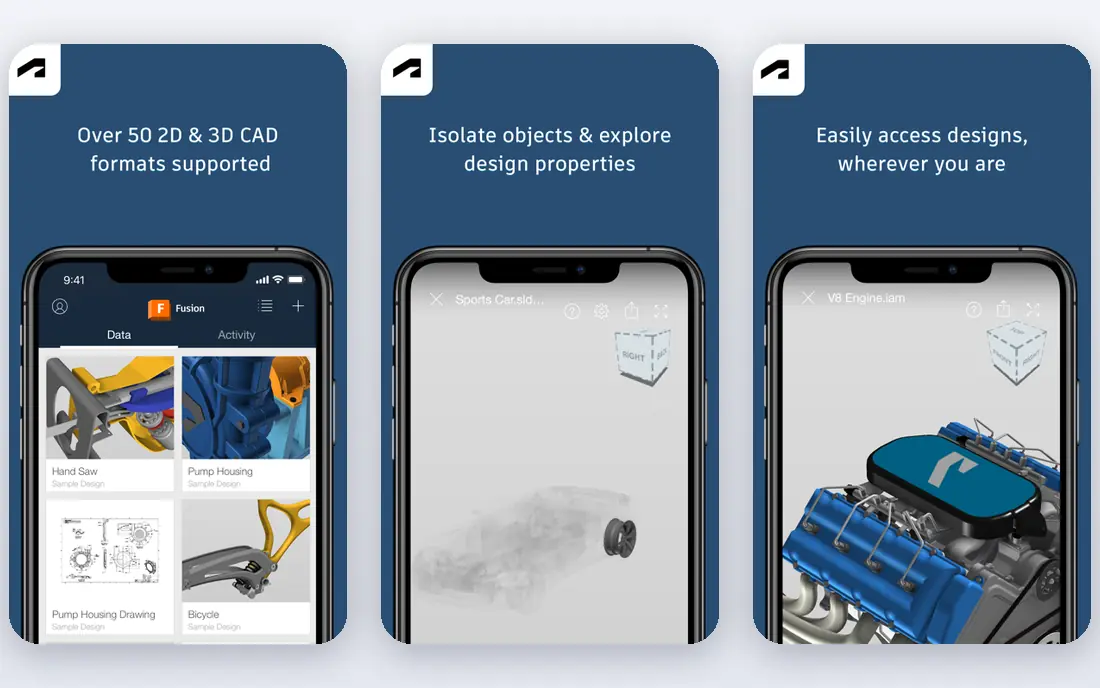
Fusion is a professional-grade CAD program with a free tier for hobbyists. Autodesk says the free license is for home-based, non-commercial projects, with annual revenue under $1,000. Using it for income is not permitted.
Autodesk's pages list limits on the free version, including limited electronics and 2D drawings, single-user data management and community-only support. One source mentions a limit of 10 active editable documents. Autodesk's pages also disagree on the length of the free license (one year in some places, a different term in others), so check the current personal-use page.
The paid version costs $85 a month or $680 a year per user, according to Autodesk's pages, and there are no perpetual licenses. Autodesk's own page blocked our direct check, so we list the starting price as See website. It is the right step up once Tinkercad feels too limited.
- Full CAD and some CAM in one program
- Free personal-use license for hobbyists
- Widely used for functional parts
- Free license is for non-commercial use with under $1,000 in annual revenue
- Some features are limited or missing in the free version
Blender calls itself free and open source software, forever, licensed under the GNU General Public License, which permits use for any reason, including commercial work and teaching.
Its About page does not mention 3D printing, and Blender is mostly known for modeling, sculpting and animation. That makes it a good fit for figures, miniatures and organic shapes, but a poor first choice for mechanical parts that need exact measurements. For those, a CAD program such as Fusion or FreeCAD is easier.
If you already know Blender or want to learn it for character models, nothing in this list costs less. If you only want to print a phone stand, it is more tool than you need.
- Free and open source under the GPL
- Allowed for commercial work
- Widely used for modeling and sculpting
- Built as an art and animation tool rather than a precision CAD program
- Steep learning curve
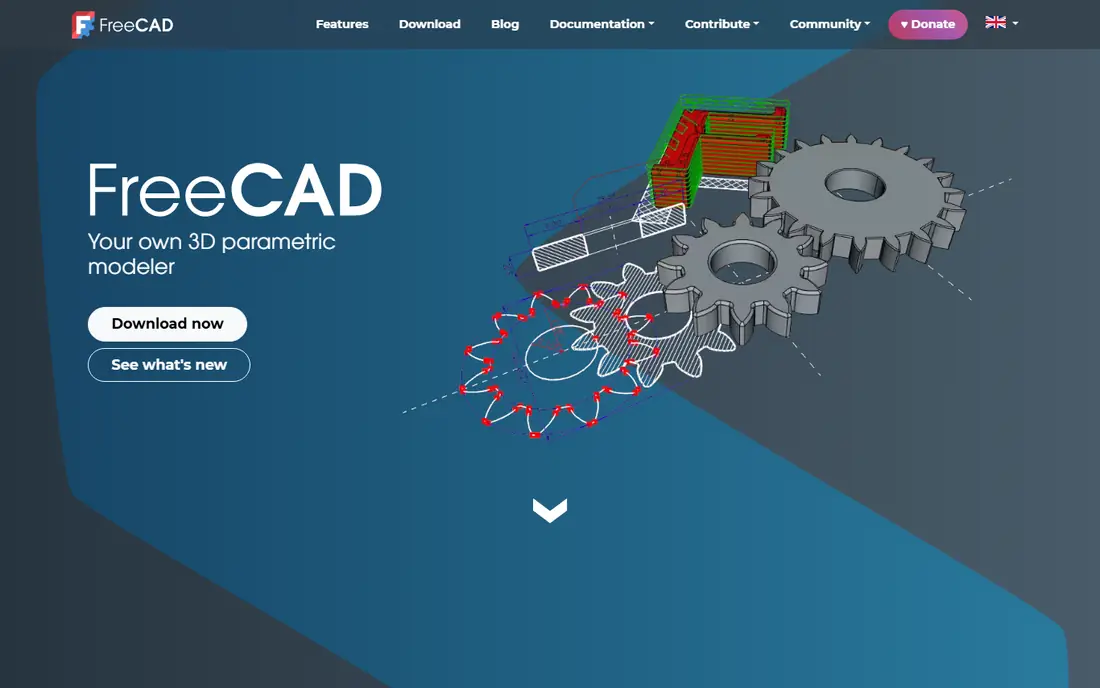
FreeCAD is an open-source parametric 3D modeler. The page says there are no licensing fees and no paywall. Parametric modeling means you sketch constrained 2D shapes, build 3D objects from them and later change the dimensions without starting over.
That is useful for 3D printing because functional parts often need small adjustments, such as a hole that is slightly too tight. Change the number and the model updates. The page lists 3D printing only in passing among uses like prototyping, so expect to export a file and slice it in a program from this list.
It is a good choice for people who want CAD features without Autodesk's license rules. The trade-off is a steeper learning curve than Tinkercad.
- Free and open source with no licensing fees
- Parametric, so you can change a design later
- Windows, Mac and Linux
- The interface takes time to learn
- Its page says little about 3D printing features
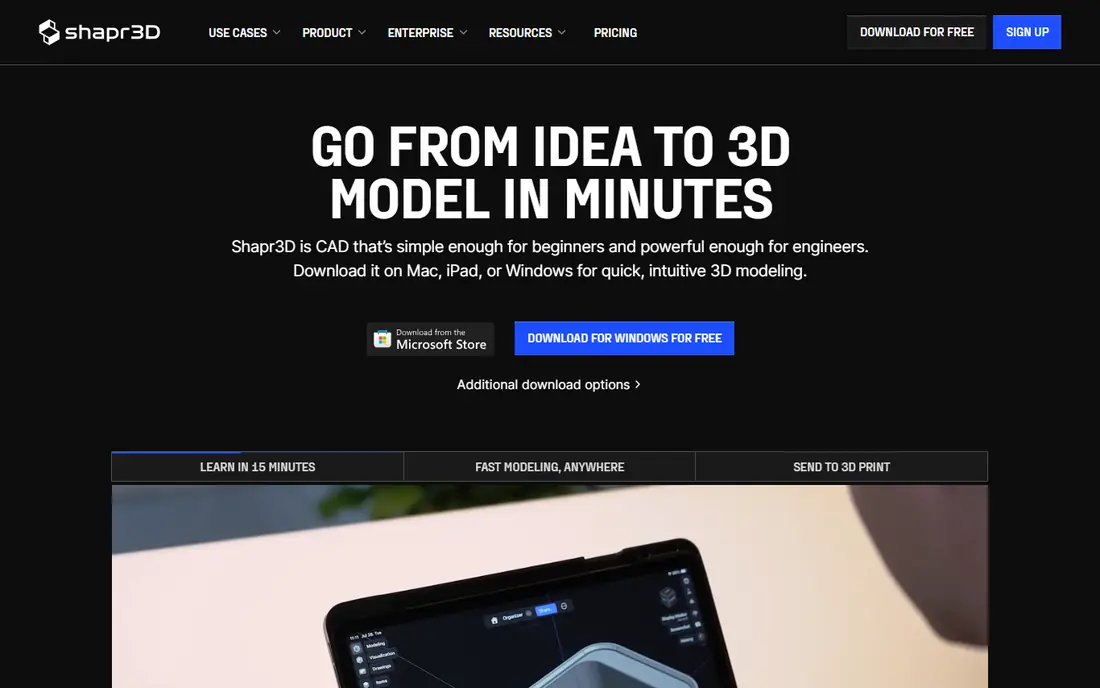
Shapr3D is a paid CAD program with a free starter plan. Its pricing page lists a free Basic plan with 2 projects, cloud storage, basic-resolution 3MF and STL export and up to 3 generative renders a day.
Pro costs $299 per Editor seat billed annually, excluding VAT, and the page says yearly billing saves 34% compared with monthly. It includes unlimited projects, high-resolution exports, technical drawings and up to 50 renders a day, with a 14-day free trial. Students, teachers and faculty at accredited institutions can use it free for one year, renewable.
The low-resolution export matters for printing. The free plan can export a model, but at reduced quality, which may show on curved surfaces. Try the free plan for a design you will print once, then decide if Pro is worth it.
- Clear plan details
- Free for students and teachers for one year, renewable
- 14-day trial of Pro
- Free plan allows only 2 projects and low-resolution STL and 3MF export
- Pro is $299 per editor seat a year
How we picked these
We compared each program using its official download and pricing pages, documentation and project pages in October 2026. We did not run our own long-term prints, so our notes reflect what the vendors and projects publish. Where an official page blocked our check, we relied on the project page or GitHub and said so.
We looked for software that exists today, runs on common computers and has a clear price or a clear free tier. We mixed four slicers with five design tools, because beginners need both.
How to choose 3D printing software
Start with the printer you own, then add a design tool that matches your goals.
Pick your slicer first
Bambu Lab owners usually start with Bambu Studio. Prusa owners start with PrusaSlicer. Everyone else can try Cura or OrcaSlicer. All four are free, so you can install more than one and compare the first print.
Pick a design tool by skill
Tinkercad is the quickest start. FreeCAD and Fusion suit precise parts. Blender suits sculpted figures. Shapr3D is a paid alternative.
Check the license
Fusion's free license has an income limit. Open-source programs under the GPL or AGPL, such as Blender, PrusaSlicer, Bambu Studio and OrcaSlicer, carry different rules. Read the license if you plan to sell prints or designs.
Look at file formats
Most slicers read STL or 3MF files. Tinkercad exports OBJ, STL and GLTF, and Shapr3D's free plan exports low-resolution STL and 3MF.
Frequently asked questions
What is the best 3D printing software for beginners?
Tinkercad is a good place to start, since it is free, runs in a browser and exports STL files. Pair it with a free slicer such as Cura, PrusaSlicer or Bambu Studio, depending on your printer.
What is the best 3D printing software for designing 3D prints?
For precise functional parts, Fusion and FreeCAD give you more control than Tinkercad. For sculpted shapes, Blender is the usual pick. Shapr3D is a paid option.
Is there good free 3D printing software?
Yes. Cura, PrusaSlicer, Bambu Studio, OrcaSlicer, Blender and FreeCAD are free and open source, and Tinkercad is free in the browser. Fusion has a free personal-use license with limits.
What is the best 3D printing app for a Bambu Lab printer?
Bambu Studio is built for Bambu Lab machines. OrcaSlicer is a popular alternative with extra calibration tools and profiles for several brands.
Do I need a slicer and a design program?
Usually yes. The design program makes the model, and the slicer prepares it for your printer. If you download ready-made models, you may only need the slicer.
Sources
- https://ultimaker.com/software/ultimaker-cura/
- https://www.prusa3d.com/p/prusaslicer/
- https://github.com/prusa3d/PrusaSlicer
- https://bambulab.com/en-us/download/studio
- https://github.com/bambulab/BambuStudio
- https://www.orcaslicer.com/
- https://github.com/OrcaSlicer/OrcaSlicer
- https://www.tinkercad.com/help-center/exporting-3d-models-for-3d-printing
- https://www.autodesk.com/products/fusion-360/personal
- https://www.autodesk.com/solutions/free-cad-software
- https://www.autodesk.com/products/fusion-360/blog/subscription-types/
- https://www.blender.org/about/
- https://www.freecad.org/
- https://www.shapr3d.com/pricing
See where you really rank - block by block
ProMapRanker scans Google Maps across a grid of your service area. Simple monthly plans from $19, white-label on every plan.
Start freeKeep reading
 canva alternatives
Best Canva Alternatives in 2026: 8 Design Tools Compared
Looking for Canva alternatives? We compared 8 design tools on current 2026 pricing, free plans and limits, from Adobe Express to VistaCreate and Visme.
Read → best workout tracker app
Best Workout Tracker Apps in 2026: 7 Apps Compared
Looking for the best workout tracker app in 2026? We compared 7 workout log apps on price, free features and ease of use, from Hevy and Strong to Fitbod.
Read → best streaming service for sports
Best Streaming Services for Sports in 2026: 8 Options Compared
Which is the best streaming service for sports? We compared 8 options on October 2026 prices, free trials, local channels and leagues, from ESPN to YouTube TV.
Read →